Best Snipe-IT Alternatives in 2026: 5 IT Asset Management Tools Compared
The journey to finding Snipe-IT alternatives typically begins here: The free, open-source asset register that was effective with several hundred laptops is being overwhelmed by thousands of devices, dozens of SaaS subscriptions, and a constant stream of joinees and leavers. While Snipe-IT can handle it, each record requires someone to type it in, import it, or write a script, and the IT team handles hosting, upgrades, and integrations. When assessing IT asset management (ITAM) software in 2026, the critical point isn't just whether Snipe-IT is good enough, but what to use instead.
Well, that's simple: it depends on why you're leaving Snipe-IT. The smartest step is to implement a cloud ITAM platform with native integrations if manual data entry, lack of SaaS license visibility, and offboarding gaps are the issues. Another open-source suite is the natural choice if you want to stay open source and control your servers. When budget is the top priority, a low-cost cloud asset tracker can meet Snipe-IT's needs without managing servers.
This guide compares five IT asset management tools with Snipe-IT on hosting, automation, licensing, offboarding, and pricing in 2026, then lists common Snipe-IT pain points and which tool can replace them. It compares these five IT asset management tools to Snipe-IT on hosting, automation, licensing, offboarding, and 2026 pricing, maps common Snipe-IT frustrations to the tool that will replace them, and finally provides a checklist to help you migrate.
Is Snipe-IT really Free? Myth vs. Reality
Snipe-IT deserves credit. Open source under an AGPL license, with unrestricted user and asset access, check-in/out, QR labels, custom fields, Licenses, Accessories, Consumables, and Audit History. Before making the switch, it's important to distinguish what Snipe-IT does and what it costs.
Myth: Snipe-IT costs nothing. Reality: The Snipe-IT license is free, but self-hosting means running the server, backups, SSL certificates, upgrades, and troubleshooting yourself. Hosted plans from Snipe-IT's developer, Grokability, cost $399.99, $999.99, or $2,499.99 a year (or $39.99 to $249.99 monthly). Self-hosted teams that want vendor help can buy Basic Support at $449.99 a year or Enterprise Support at $4,999.99 a year, which adds phone support and API integration help.
Myth: The hosted version of Snipe-IT has extra features. Reality: Grokability says the hosted and self-hosted versions run the same software. A hosted plan buys maintenance, upgrades, and email support, not more functionality.
Myth: Snipe-IT discovers devices automatically. Reality: Snipe-IT doesn't provide a network discovery agent. It offers a REST API that lets teams connect other agents and tools, plus LDAP and Active Directory sync for users and logins. Getting devices in without manual entry usually means configuring or building integrations.
Myth: License tracking in Snipe-IT equals license management. Reality: Snipe-IT records license seats and who they're assigned to. It doesn't discover SaaS applications or measure license usage out of the box, so finding unused licenses still relies on manual checks.
Signs your Team has Outgrown Snipe-IT
Snipe-IT is a good fit for a technical team that mainly needs a hardware register. These signals suggest the organization now needs more than Snipe-IT was designed to do:
- New laptops reach employees before they reach Snipe-IT, so the register is always a few weeks behind.
- Your MDM, identity provider, HR system, and Snipe-IT each show a different headcount and device count.
- No one can say which SaaS licenses belong to people who left last quarter.
- An auditor asks for an asset register and evidence of controls, and the answer involves exports, screenshots, and a long weekend.
- Warranty and end-of-life dates live in a separate spreadsheet, or nowhere.
- Upgrading the Snipe-IT server keeps slipping down the to-do list.
If three or more sound familiar, the gap is less about features and more about how asset data gets created and kept accurate.
Snipe-IT Alternatives at a Glance
The table below compares each alternative with Snipe-IT as a baseline. Pricing reflects vendors' public pages as of November 2026.
| Tool | Hosting model | How asset records get in | Software and SaaS license depth | Joiner and leaver support | Entry price (2026) |
|---|---|---|---|---|---|
| Snipe-IT (baseline) | Self-hosted or hosted | Manual entry, CSV import, API scripts, limited MDM sync | License seats and assignments | Manual check-in and check-out | Free self-hosted; hosted from $39.99/month |
| Setyl | Cloud | 100+ native integrations (MDM, RMM, identity, HR, security) | SaaS discovery, usage, unused licenses, renewals | HR-triggered onboarding and offboarding | From $300/month |
| InvGate Asset Management | Cloud; on-premises on Enterprise | Agentless network scanning, agents, MDM and cloud connectors | License contracts and software metering (Pro plan) | Limited; focus is devices and infrastructure | $1,499/year for 500 IP devices |
| GLPI | Self-hosted (free) or GLPI Network Cloud | GLPI agent inventory, imports, plugins | Software inventory and license records | Configurable through helpdesk workflows | Free self-hosted; cloud from €19 per IT agent/month |
| Asset Panda | Cloud | Mobile barcode scanning, imports, 30+ integrations | Limited; built around physical assets | Workday and identity sync for assignments | $3,000/year (5 users, 1,000 assets) |
| AssetTiger | Cloud | Mobile scanning, bulk import, REST API | Contracts and warranties only | Manual check-in and check-out | $20/month for 500 assets |
The 5 Best Snipe-IT Alternatives in 2026
1. Setyl
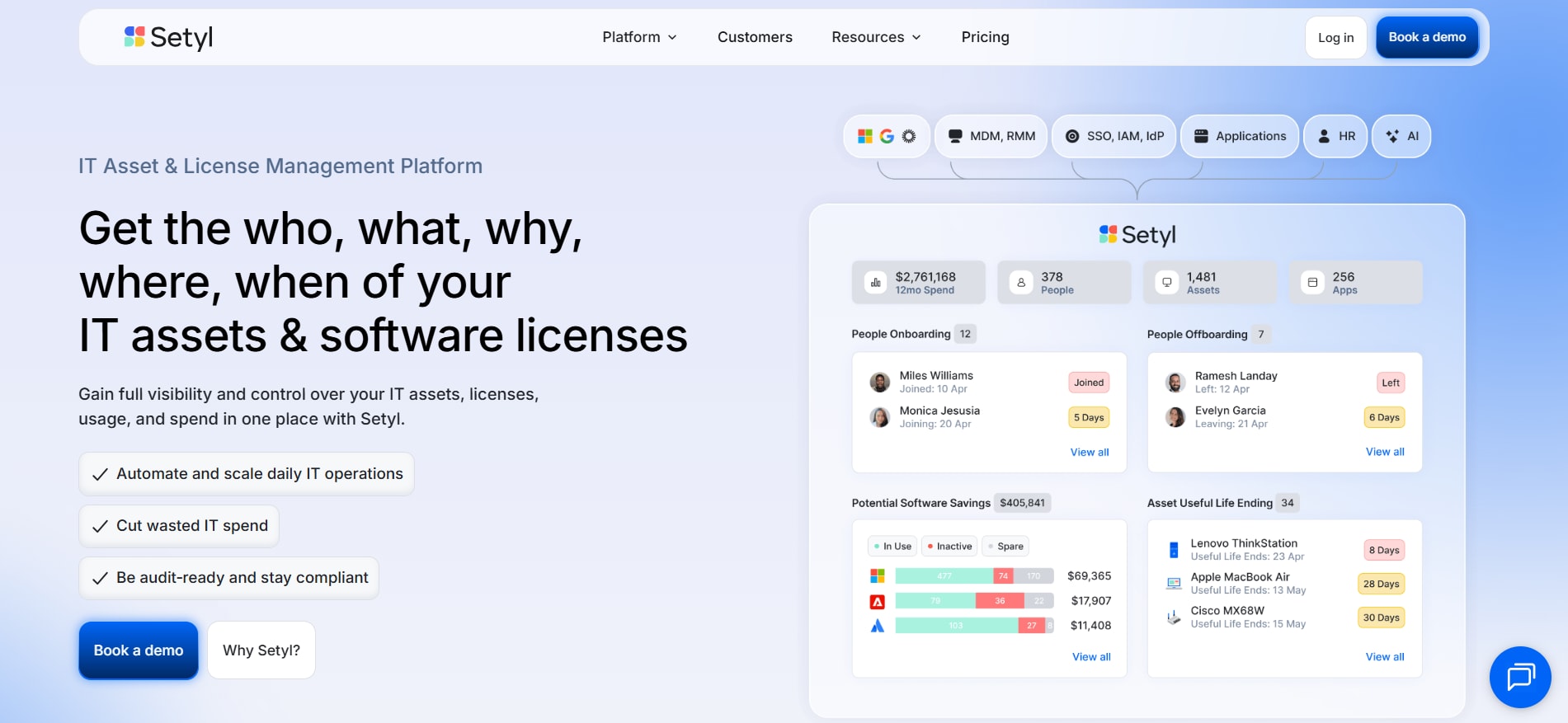
Setyl is an IT asset and license management solution designed for in-house IT teams of organizations comprising about 80 to 5,000 employees. Snipe-IT is a register that must be filled in by someone; Setyl is designed to be filled in by itself. Over 100 pre-built integrations with MDM, RMM, identity, HR, security, and ticketing tools automatically enrich, create, update, and merge asset records, while Setyl links the assets with the people, software licenses, and spend associated with them.
Pricing and support. Setyl has three plans: Complete, Advanced, and Advanced Managed, all of which have pricing based on the number of employees, beginning at $300 per month. All plans include unlimited assets and licenses, so costs don't increase as you add assets to the inventory, and they offer a free trial.
Bringing your Snipe-IT data with you. Setyl can automatically import asset records directly from Snipe-IT, which It integrates with. Teams can then retire Snipe-IT or use it alongside Setyl during a transition, and Setyl supports bulk imports from spreadsheets or other sources. Setyl's team assists in data transfer and integration with current systems, with teams up and running in just an hour.
What to weigh before switching. Setyl is cloud-only and isn't open source, so it won't suit teams that must run software on their own infrastructure. Setyl also isn't a service desk; it integrates with tools such as Jira Service Management and Zendesk instead. Very small teams with a handful of devices may find a basic tracker sufficient.
2. InvGate Asset Management
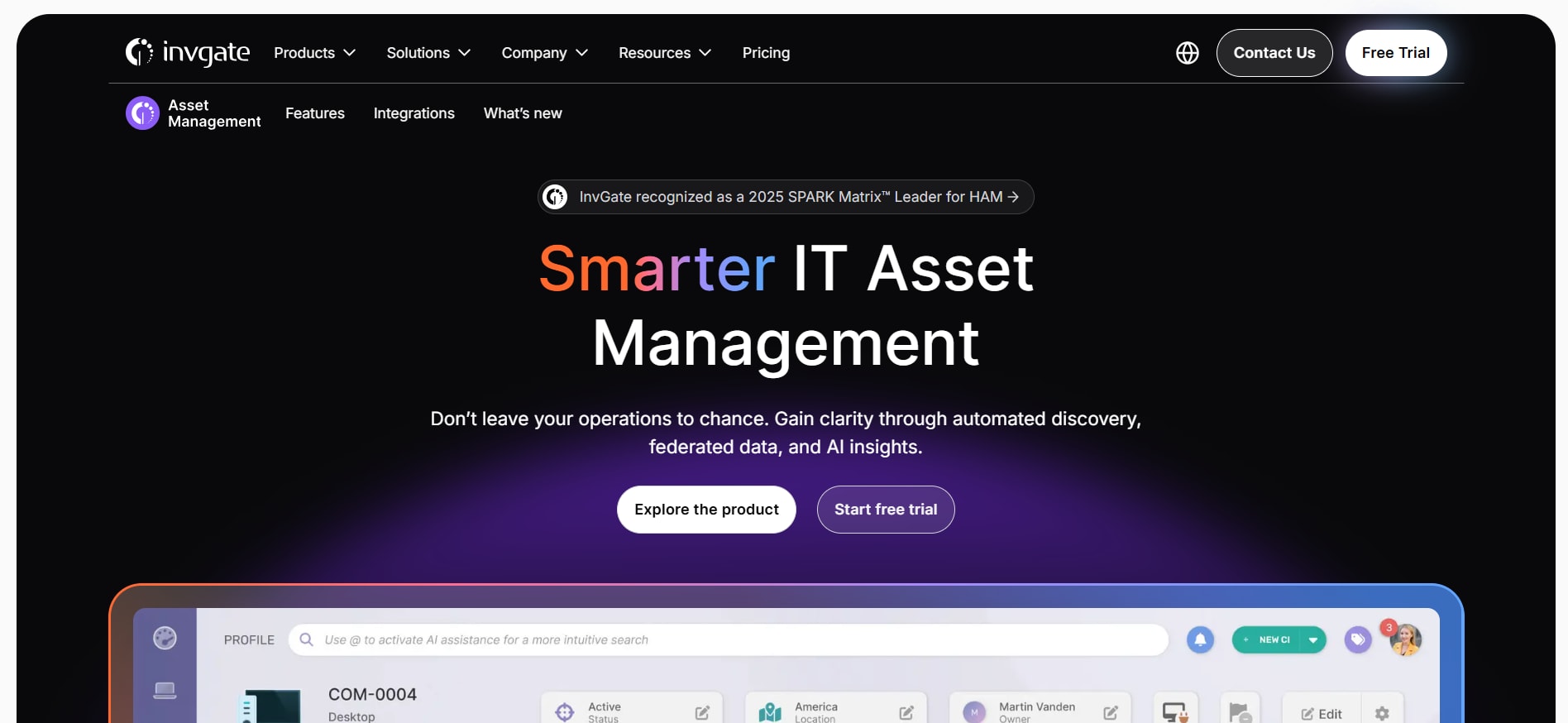
InvGate Asset Management is a product from InvGate that also offers the InvGate Service Management (InvGate SM). InvGate Asset Management is ideal for IT teams whose primary issue with Snipe-IT is missing automatic discovery, particularly across networks, servers, and cloud infrastructure.
What you gain over Snipe-IT
- Agentless network scanning that detects devices across IP ranges, plus a lightweight agent for Windows, macOS, Linux and Android
- Connectors for Jamf, Microsoft Intune and SOTI, cloud providers (AWS, Azure and Google Cloud) and VMware vCenter and Hyper-V
- An AI Hub with natural language search and auto-enrichment of end-of-life dates and product specs
- On the Pro plan: automatic CMDB mapping, software metering, license contract management, software deployment, role-based permissions, vendor management and integrations with Jira, ServiceNow and Zendesk
What you give up
- Simplicity of pricing. InvGate charges per IP device, so costs scale with the size of the estate. Starter is a fixed $1,499 a year for 500 IP devices, Pro costs $5 per IP device per year (from $2,500 a year for 500 to 5,000 devices), and Enterprise starts at $12,000 a year.
- Key features on the entry plan. The API, SSO, and license contract management all require Pro or above.
- Self-hosting by default. On-premises deployment is available only on Enterprise, so teams leaving a self-hosted Snipe-IT install for control reasons should budget accordingly.
InvGate Asset Management is also available with InvGate Service Management plans—it works well for teams looking to replace both ticketing and Snipe-IT. What it's not about is HR-related joiner and leaver processes.
3. GLPI
At a glance
- Publisher: Teclib', based in France
- License: Free and open source
- Hosting: Self-hosted, or GLPI Network Cloud hosted by Teclib'
- Price: Free to self-host; GLPI Network Cloud costs €19 per IT agent per month with unlimited assets and end users; self-hosted support subscriptions run from €100 to €4,500 per month
- Trial: 45 days on GLPI Network Cloud
For teams who enjoyed the open-source nature of Snipe-IT, but want something more expansive, GLPI is the logical next step. GLPI integrates asset inventory and a CMDB with helpdesk ticketing, financial management, and user administration. Unlike Snipe-IT, GLPI has an inventory agent for Windows, Linux, macOS, and Android, which automatically retrieves device records. GLPI has a vast extension ecosystem that adds more features, with GLPI 11 as the latest major version.
But the compromises aren't insignificant, either. Self-hosting GLPI comes with the same responsibilities as Snipe-IT: server maintenance, upgrades, backups, etc., and because GLPI's scope is so broad, it requires a lot of configuration. The interface is often described as “functional,” and SaaS licensing is not GLPI's forte. US teams should be aware that the weekdays and hours of GLPI Network Cloud support are 9 am - 5 pm Paris time.
4. Asset Panda
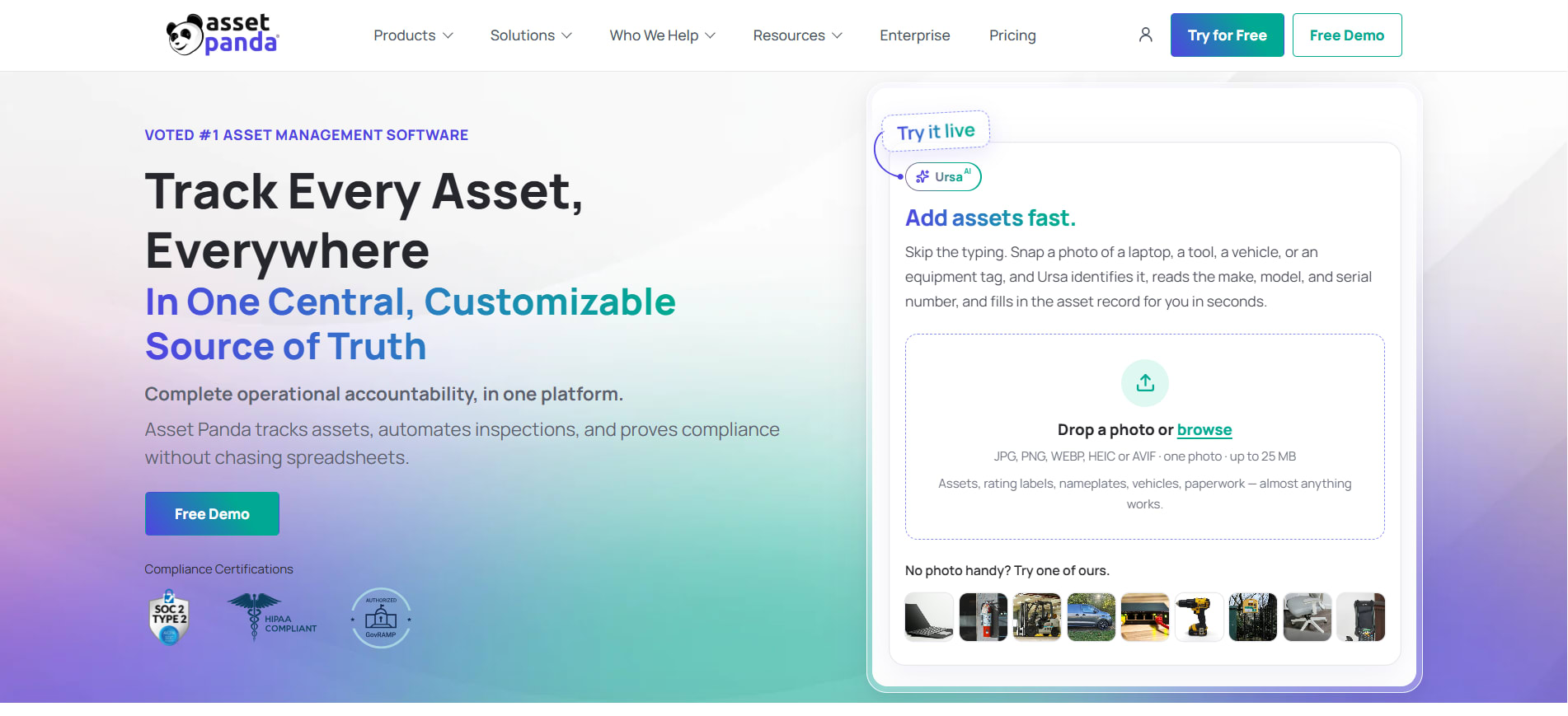
Asset Panda is a mobile-first, cloud-based asset tracking platform that lets you create unlimited custom collections and fields. While Asset Panda is used for IT equipment, many customers utilize it for tools, facilities, and other physical assets at multiple locations.
Best fit: Organizations wishing to have a highly configurable system and a lot of mobile activity, including barcode scanning, scheduled mobile audits, maintenance requests, check-outs from iOS and Android devices. With over 30 native integrations, including Microsoft Intune, Jamf Pro, Kandji, Microsoft Entra ID, Okta, Workday, ServiceNow, and QuickBooks, Asset Panda is rated 4.6 on Capterra, with over 1,300 user reviews.
Poor fit: Teams that are moving from Snipe-IT due to cost. Asset Panda's pricing model differs from Snipe-IT: Snipe-IT charges for unlimited users, while Asset Panda charges by user seats and asset limits. The published pricing for Asset Panda is as follows: Starter – $3,000 annually for 5 full users and 1,000 assets; Business+ – $7,200 annually for 10 users and 5,000 assets; and Enterprise – $18,000 annually for 20 users and 10,000 assets. There are extra full users at $600 – $900 per year each, or view-only users at $10 per user per month. Integrations and API access come with Business+, and AI workflows and mobile offline mode come with Enterprise.
Pricing reality check: Some Capterra reviewers mention slow screens and glitches, so test performance with realistic data during the trial. Asset Panda is also built around physical assets, so SaaS license usage tracking is limited.
5. AssetTiger
The appeal. AssetTiger, from asset tag maker MyAssetTag, removes Snipe-IT's hosting burden at a very low price. AssetTiger charges by asset count rather than seats, and every paid plan includes unlimited users: $20 a month for 500 assets, $40 for 2,500, $75 for 10,000, $140 for 50,000, and $275 for 250,000, with one month free on annual billing. Every paid tier has the same features, including phone-based barcode and QR scanning, check-in and check-out, maintenance scheduling, depreciation, contracts and warranties, more than 80 report types, Google SSO, a REST API and mobile apps.
The catch. AssetTiger is a general-purpose asset tracker, not a dedicated ITAM platform. AssetTiger's materials center on scanning, imports, and its API rather than native MDM or identity integrations, so device data still needs to be added and maintained by people or scripts, much like Snipe-IT. Software license management is limited to contract records, and there's no offboarding workflow tied to HR data. AssetTiger now offers a 30-day free trial for up to 250 assets and two users rather than a permanent free plan.
Migrating Off Snipe-IT: a 7-step Checklist
Switching is easier when the new system's integrations do the heavy lifting. This checklist applies whichever alternative you choose.
- Export a clean copy of Snipe-IT. Take a full backup, then export assets, users, licenses, accessories, and consumables to CSV, or pull them through the Snipe-IT REST API.
- Archive what you don't need. Remove duplicates, test records, and long-disposed assets before migrating, so old clutter doesn't follow you.
- Map custom fields. List every Snipe-IT custom field and decide where it lives in the new tool, or whether you still need it.
- Keep your asset tags. Retaining existing tag numbers avoids relabeling hardware and keeps audit history traceable.
- Connect source systems before importing. Link your MDM, identity provider, and HR system first, then import Snipe-IT data to fill the gaps, so the new tool becomes the record of truth rather than a copy of the old one.
- Run both systems for one cycle. Keep Snipe-IT read-only for a month and reconcile differences.
- Decommission properly. Retire the Snipe-IT server or cancel the hosted plan, and keep the final export for your audit trail.
FAQs
What is the best alternative to Snipe-IT?
For mid-sized organizations that want automation, SaaS license visibility, and audit readiness, Setyl is the strongest Snipe-IT alternative because it syncs hardware, software, and people data from 100+ integrations. GLPI is the best choice for teams that must stay open source, and AssetTiger suits teams that only need low-cost cloud asset tracking.
Is there a free alternative to Snipe-IT?
Yes. GLPI is free and open source when self-hosted, and it adds automated inventory and helpdesk ticketing that Snipe-IT doesn't include. Like Snipe-IT, self-hosted GLPI still requires your team to manage servers, upgrades, and backups.
Can Snipe-IT track software licenses?
Snipe-IT can record software licenses, seats, and assignments. Snipe-IT doesn't natively discover SaaS applications or measure how often licenses are used, so identifying unused licenses requires manual checks or custom integrations.
Does Snipe-IT have automatic asset discovery?
No. Snipe-IT doesn't offer its own network discovery agent and relies on its REST API, LDAP sync, and a limited set of integrations. Alternatives such as Setyl, InvGate Asset Management, and GLPI create device records automatically through integrations or agents.
How long does it take to switch from Snipe-IT?
It depends on the tool and how clean your data is. Setyl can be set up in as little as an hour and can import Snipe-IT records directly, while self-hosted options such as GLPI take longer because the server must be installed and configured first.
Comments
Loading comments…