Email Builder for Developers: API, Version Control and CI/CD Workflows
Explore email builders for developers with API integration, version control, and CI/CD workflows. Learn how development teams can automate email production, manage code efficiently, and streamline testing and deployment.
Engineering teams tend to ship application code through pull requests, automated tests, and deployment pipelines. Email templates rarely get the same treatment. Someone drags and drops blocks in a browser, exports the HTML once, and pastes it into a marketing tool with no history, no review step, and no way to roll back a broken send. An email builder for developers fixes this problem: a tool built around an API, source control, and a build process, with the drag-and-drop canvas as one piece of it.
A developer-grade email builder needs a real API, integration with version control, support for automated testing across email clients, and a place inside whatever CI/CD pipeline the rest of the product already runs on.
This article covers what that looks like in practice, which tools handle it well today, and how to structure an email workflow your engineering team can maintain without dreading it.
Why email still breaks development workflows
Email HTML is fragile by design. Outlook renders CSS differently from Gmail, dark mode inverts colors without warning, and a single missing conditional comment can ruin a layout in Windows Mail. Marketing specialists used to solve this by testing every campaign manually, but that approach is no longer relevant once a product sends dozens of transactional and lifecycle emails triggered straight from application code.
This is where email design tools and developer infrastructure start to converge. Developers want to:
- Store email templates as versioned files next to application code, instead of leaving them as exports in a third-party dashboard.
- Create and update templates through an API, instead of re-uploading HTML manually after every change.
- Run automated workflows that compile, inline CSS, and validate templates before they reach production.
- Roll back a broken template the way they'd roll back a bad deployment — fast, and with a clear record of what changed.
None of this asks for anything unusual by software development standards. Few email tools were built with these expectations in mind, and that disconnect is what the next generation of builders addresses.
What to look for in an email builder for developers
Before comparing specific products, it helps to set the criteria that separate a developer-friendly builder from a tool built solely for marketers.
A documented REST API. The builder should let engineers create, update, fetch, and export templates entirely from code. A tool your team can automate looks nothing like one your team has to constantly monitor.
Version history accessible through the API. A visual undo button in an editor is one thing. An API that lets a team query, restore, or compare historical versions of a template on demand — the same way they'd work with Git — is another.
A compile or build step. Raw drag-and-drop output usually isn't ready for production. CSS needs inlining for older email clients, dynamic modules need to resolve, tracking parameters need injection, and some sends require an AMP version alongside the standard HTML. A generation endpoint turns this into a repeatable step.
Embeddability. A builder meant to be inside a product needs to drop in as a component, so users stay inside the application.
Extensibility. Teams with specific requirements, like custom image hosting, an internal merge-tag system, or a proprietary AI writing tool, need a way to swap default building blocks for their own.
These 5 points separate the small set of tools built for tech specialists from the much larger pool of email design apps aimed at marketers.
Most Popular Email Builder for Developers: The Shortlist
Here's a practical rundown of the tools that come up most often when engineering teams evaluate options, starting with the most developer-oriented platform.
1. Stripo
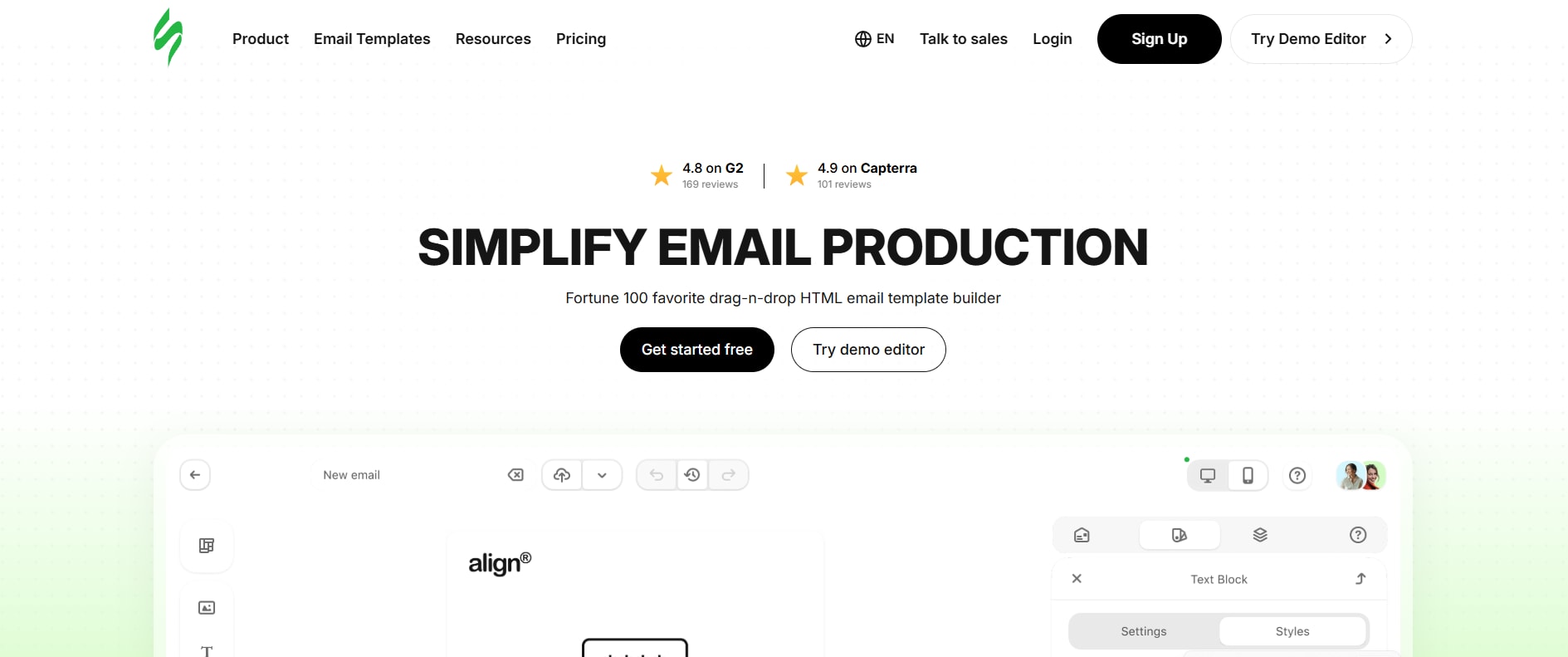
Stripo is the most complete option available today for developers that want to wire an email builder directly into a software pipeline. It's built for embedding, automation, and version control, which makes it a strong option for SaaS platforms, ESPs, and internal tools that need email creation built right into the product.
Here's what sets Stripo apart:
- Embeddable component. Stripo's editor drops into an existing application through a single <div>, exchanging HTML and CSS with the host app. Front-end developers don't rebuild an UI around it — it behaves like any other embedded component, and it doesn’t matter if the surrounding app runs on React, Angular, or a custom stack.
- REST API. Developers can create, update, fetch, and export templates entirely from code. An automated workflow can generate or modify templates on its own, trigger them from application events, or sync them from a headless content source.
- versionHistoryApi. Template version history stays accessible through code, beyond a visual undo button in the editor. Teams can query past versions, roll back a template that broke a production send, or build a custom review layer on top of it — much like working with commit history in Git.
- Backend compile endpoint. Before a template ships, Stripo runs a build step that inlines CSS, resolves modules, injects UTM parameters, and generates an AMP version whenever a send needs one. This turns email production into a scriptable pipeline stage — the same pattern as a build step anywhere else in CI/CD.
- Extensions SDK. A team can swap default building blocks — the image picker, the merge-tag menu, even the AI writing assistant — for its own implementation. That matters for companies with an internal asset library, proprietary personalization tokens, or a preferred AI vendor they'd rather plug in over the default.
Stripo also ships the Stripo plugin, a JavaScript component built for those who want to white-label the editor inside their own product. The plugin receives HTML and CSS, allows users to edit through the embedded interface, and returns clean, updated code as the finish. Stripo handles server-side processing, while elements like images and reusable modules can optionally be located on the integrating team's own infrastructure (this is especially important for companies with strict data or compliance requirements).
Put together, an embeddable UI, a real API, version history you can query in code, a build endpoint, and an extension system explain why Stripo is at the top of the list.
2. Unlayer
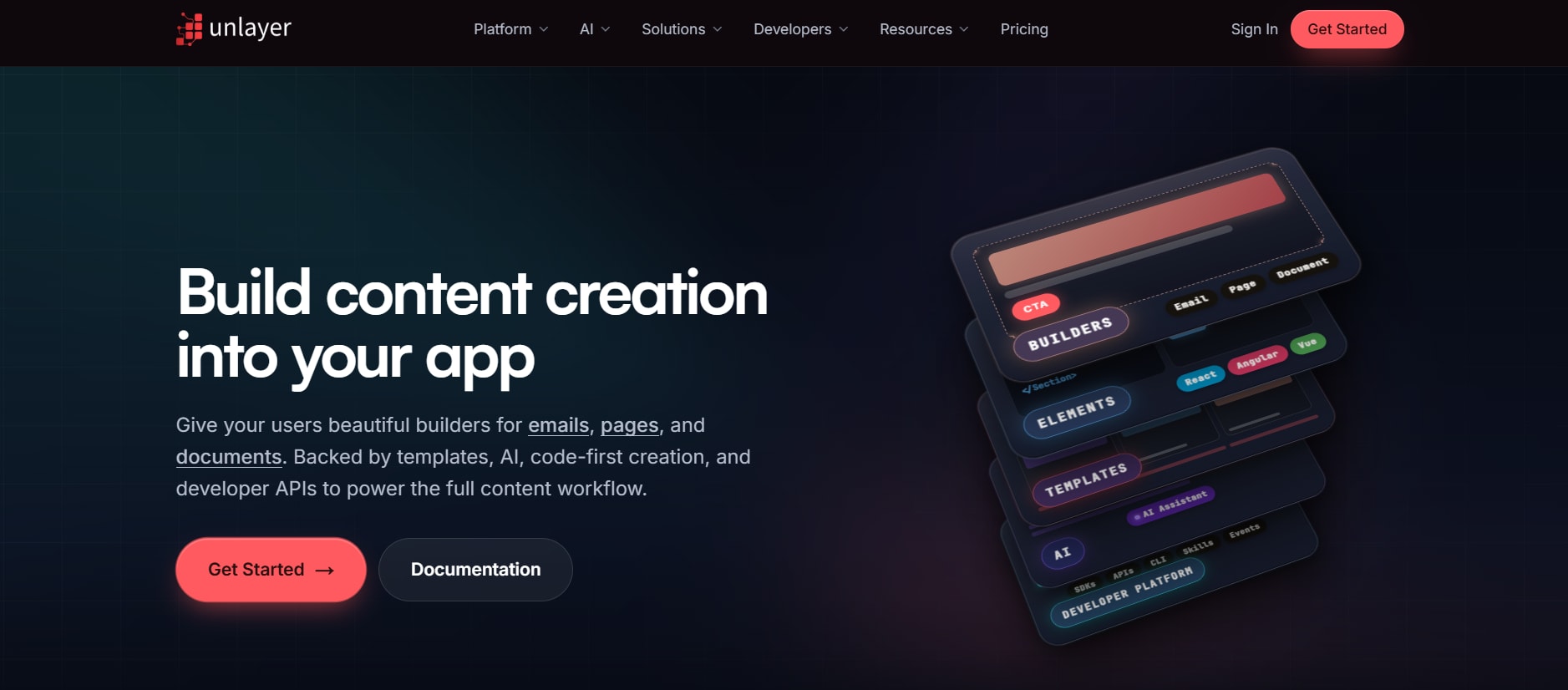
Unlayer is a well-known embeddable email and page editor, popular with SaaS products that need a drag-and-drop builder inside their own dashboard. It works well for teams that mainly need embeddability and don't need deep version-control tooling or a dedicated compile pipeline, but its API coverage for historical versioning and build customization runs thinner than Stripo's.
What Unlayer offers:
- A JavaScript SDK for embedding the editor inside a web or mobile app
- A REST API for creating, fetching, and updating templates
- HTML export for use with common ESPs and CRMs
- Support for both email and landing page templates from the same editor
- A design-token system for keeping embedded output on brand
Where it falls short for a CI/CD setup: there's no dedicated versionHistoryApi for programmatic rollback, and no separate compile endpoint for tasks like CSS inlining or AMP generation — teams that need those usually build the logic themselves on top of the raw export.
3. Chamaileon

Chamaileon focuses on collaborative email design for larger teams, with role-based permissions and a shared component library. Its documentation and automation hooks lean toward smoothing collaboration between designers and marketers, without giving engineering teams full programmatic control over the build process.
What Chamaileon offers:
- API-based access for creating and fetching templates
- Role-based permissions for larger teams and agencies
- A shared block and module library across projects
- Integration with several major ESPs
- Co-editing and commenting for design review
Where it falls short for a CI/CD setup: version tracking exists mainly as an in-app history view, not an API a pipeline can query, and there's no equivalent of a compile endpoint or an extension SDK for replacing default editor components.
4. Befree (BEE)

Befree, formerly known as BEE, is one of the older embeddable editors on the market and still shows up as a white-labeled builder inside a number of ESPs. Teams that need real CI/CD integration beyond a basic embed tend to rank it lower on the shortlist.
What Befree offers:
- A plugin-style integration model similar to Stripo's in concept
- An API for template CRUD operations
- A large library of pre-built rows and modules
- Support for both email and page-builder use cases
- White-label options for ESPs and marketing platforms
Where it falls short for a CI/CD setup: its tooling around version history stays limited compared to a dedicated versionHistoryApi, and its extension options don't go as deep as an SDK built specifically for swapping out core components.
5. Mailmodo

Mailmodo is best known for AMP email support, letting users complete forms, surveys, and even checkouts without leaving their inbox. It works well for teams whose main requirement is interactive email over deep source-control integration.
What Mailmodo offers:
- Native AMP email support for interactive campaigns
- An API covering template and campaign management
- Pre-built AMP widgets for forms, surveys, and carts
- Analytics tied directly to interactive email elements
- Integration with common ESPs and CRMs
Where it falls short for a CI/CD setup: version history and build pipeline features exist, but they sit further from the center of the product than they do in a tool built around developer workflows from the start, and there's no dedicated backend compile step comparable to Stripo's.
Best email builder tools for developers: Building a real CI/CD workflow
Picking the right tool solves half the problem. The other half is a workflow that treats email templates like any other piece of production code. Here's a structure many engineering teams land on once they adopt a builder with a proper API.
Step 1: Store templates as source
Pull templates out through the API and store the underlying HTML/CSS, or a JSON representation depending on the tool, in your own repository. This gives you diffs, pull request reviews, and a full audit trail independent of the vendor's interface.
Step 2: Automate fetch-and-sync
A scheduled job or webhook can pull the latest template state from the builder's API whenever a designer or marketer publishes a change, and commit it automatically to a dedicated branch. Engineers then review the diff like any other change before merging it into the main branch.
Step 3: Run the compile step in CI
Once a template change merges, a CI job triggers the builder's compile or backend build endpoint — inlining CSS, resolving modules, applying UTM parameters, and generating any AMP variant needed. The output becomes the exact HTML that will get sent, and that removes an entire class of bugs where a template looked fine in the editor and broke on delivery.
Step 4: Automated rendering tests
Before deployment, automated rendering checks run the compiled HTML against a matrix of email clients using a rendering-test service. Failures block the pipeline the same way a failed unit test would.
Step 5: Deploy and Tag a Version
Once tests pass, the compiled template goes out to the sending infrastructure, and the pipeline tags it with a version identifier. If something breaks after deployment, the team can use the builder's version history API to find the change that caused it and restore the last known-good template within seconds, instead of reconstructing an older version from memory or screenshots.
Step 6: Keep an Audit Trail
Because every step runs through code and leaves a log, teams get a full audit trail of who changed what and when, without depending on a vendor's built-in activity feed as the only record.
This structure doesn't belong to any one tool, but it only works if the underlying builder exposes the right hooks at each stage: an API for steps one and two, a compile endpoint for step three, and version history a script can query for step five. That's why the choice of platform matters far more for engineering-led email production than it does for a marketing team working through a dashboard alone.
Final Thoughts
Email doesn't have to be the one part of the stack that skips code review, automated testing, and version control. The tooling to close that gap already exists, and the criteria for choosing among the best email builder tools developers rely on stay the same regardless of which platform wins out: an API that supports real automation, version history a script can query, a build step that belongs in CI, and a way to extend the editor without fighting its defaults. Those pieces now count as the baseline for any email builder meant to power production systems and run day after day, beyond a single campaign send.
Comments
Loading comments…