Finding and Using 3D Models: How AI Is Expanding Creative Possibilities
However, it may prove quite challenging to complete a small-scale design task when the designer needs a three-dimensional model but lacks sufficient time to build one.
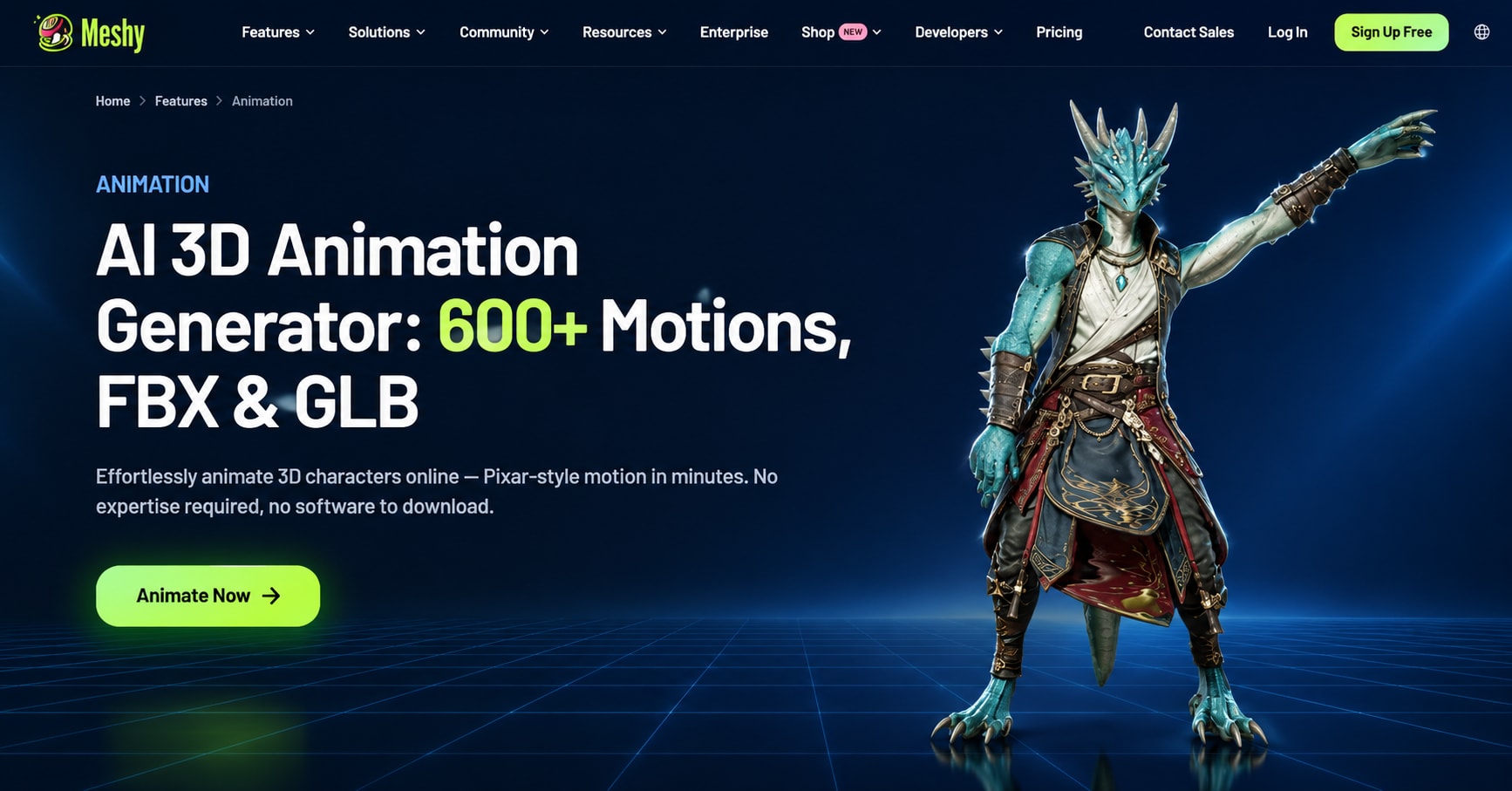
However, it may prove quite challenging to complete a small-scale design task when the designer needs a three-dimensional model but lacks sufficient time to build one. A game developer may require various objects for a new level while a product designer wants to see how different models appear before producing a prototype. The search for pre-made models can be useful in both cases, provided that the models meet the requirements of the design. With the development of web technologies, the process becomes easier as there are now services connecting model search to modeling and rendering tools. Meshy is one of the most advanced model generators, offering a range of rendering options.
Why 3D Assets Matter in Digital Projects
Three-dimensional objects are utilized in various fields, including video game design, product presentations, creating animations, making electronic art, and for 3D printing purposes. Such objects can be anything from ordinary items to parts of a building, flying objects, and fictional items. Access to adequate models is beneficial because this provides an opportunity for creating spectacular visuals without having to design each individual object.
For instance, an independent developer of a game about marine exploration may require boats, stones, boxes for storage, and small port structures. When preparing a presentation of different furniture types, the designer may also need some accessory items like chairs, lamps, etc. to give it a realistic look. In both cases, availability of proper assets can fasten the whole process of creation.
Nevertheless, what looks like a perfect model on a demonstration can not always prove to be useful in practice. There are a number of factors such as polygon count, type and resolution of texture, object size, file format, and license that determine the usefulness of an asset.
How to Find Models That Fit Your Workflow
In searching for 3D models, functionality becomes the first criterion before aesthetics in most situations. This means that geometry optimization needs to be done instead of using a 3D printable model that has geometry issues with proper exporting formats.
Identify the Required Features
To begin with, one has to outline what the project is supposed to entail. The size, shape, appearance, details, and functionalities of the object have to be considered. In the case when the object will be used for a game, it is necessary to analyze the effectiveness of its design and the number of polygons. When the object is used for a product demonstration, it means that materials and surface details become more important.
Finding out whether there will be any changes needed for the object might be necessary. A simple object may stay unchanged, while a complex design will generally require changes in terms of geometry, material, proportions, and so on.
Explore AI-Assisted Model Creation
Standard libraries are indeed great in situations where an appropriate asset is already available; however, confronting a specific challenge might still be tricky altogether. One alternative that has appeared due to the evolution of technology is AI generation. This tool enables creators to come up with new 3D models based on either verbal descriptions or visual references.
Meshy provides creators with options to use text-to-3D and image-to-3D conversion. Text input helps to make a virtual object by detailing its features, while image input provides exact visual references. In addition, multi-image input would allow inputting multiple images of the same object, thereby giving a better perspective.
Such ability comes in especially handy when one is working on a call for some rare prop or a variation that has not been produced yet.
Using Meshy to Discover and Develop 3D Models
Meshy combines AI-driven model creation with specialized tools that support diverse creative processes. In situations where their projects need to have a distinctive design, the creators have an option to either look up already available models for inspiration or generate entirely new assets.
For creators looking for ready-made resources, 3D assets download provides a relevant starting point for exploring Meshy's free 3D model collection. Browsing available assets can help users identify models that fit their projects before spending time creating alternatives.
Meshy offers its users a free-level subscription, in which they can explore the functions of the platform as permitted by the limits of the plan. Besides, the online platform has a number of tools, such as AI texturing and other software to support the process of developing and improving digital assets. Besides, developers can use the API in their applications to use AI capabilities and create their own applications.
Choosing the Right File Format
The file format for a model plays an important role in the ease of transferring data from one platform to another. Meshy allows the use of some common formats such as STL, OBJ, GLB, and FBX, each of which has its own purpose, and finding the correct type depends on the next step of the process.
- STL: Usually employed for 3D-printing purposes and geometrically based construction.
- OBJ: Efficient for passing geometries of models along with their materials as long as the software allows the latter.
- GLB: Good for passing models with all of their 3D properties into another tool.
- FBX: Mostly used for doing animations and games.
Preparing Models for Different Applications
Possession or creation of a particular resource is just the beginning of its life cycle. Prior to using it, one must verify whether the resource is structurally and detailed enough for the particular project.
In the case of game development, excessive complexity concerning geometry may reduce performance if many assets are rendered simultaneously, so at times, designers need to modify materials or scale/geometry to keep consistency.
When it comes to 3D printing, it is essential to check whether the model contains any holes, thin walls, disconnected geometry, and unsupported elements. The online tools provided by Meshy for this purpose include Converter, Online Viewer, and STL Repair.
Frequently Asked Questions
1. What can 3D assets be used for?
3D assets are used in video games, animations, visualizing products, digital design, architecture and 3D printing. The suitability of three-dimensional models depends upon their geometry, materials, file formats, and applications.
2. Can Meshy generate models from text and images?
Yes. Meshy supports text-to-3D and image-to-3D generation. Its multi-image input capability can provide additional visual information to guide model creation.
3. Which 3D formats does Meshy support?
Export capabilities include STL, OBJ, GLB, and FBX formats. The most appropriate format to use will depend on what the purpose of the mesh will be.
4. Can beginners use Meshy?
Yes. The browser-based route of Meshy and its free edition allow novices to experience how they can use 3D modeling powered by AI without having to use traditional desktop modeling equipment. The features and the limits one can use are subject to the specific plan being used currently.
Conclusion
If makers want to work more efficiently, they need to find the right 3D assets, but selecting only the right items for the specific task is of primary importance. Not only do the makers need to think of possible file types, mesh compositions, and textures of the models, but they also have to check compatibility with the software they are going to use.
The Meshy service provides a powerful combination of search technology, modern AI-based solutions, and utilities for the online browser. Anyone can use the mentioned functionalities no matter if one develops a game, prepares a presentation of a new product, or seeks a new idea.
Comments
Loading comments…