Real-Time AI Interview Assistant Free: Phone ChatGPT Tab vs 5 Desktop Apps That Listen
Suggested URL: https://stackademic.com/blog/real-time-ai-interview-assistant-free
Job interviews now test more than what you know. With live transcription and scoring tools timing every pause, you need a real-time AI sidekick you can try in a genuine call, without handing over a credit card.
The snag? Every free tier stops early. This guide shows what those limited minutes really buy. We start with a zero-install phone-plus-ChatGPT hack, then pit five desktop apps on speed, discretion, and data handling, so you can pick a practice partner (or skip the tech) with eyes wide open.
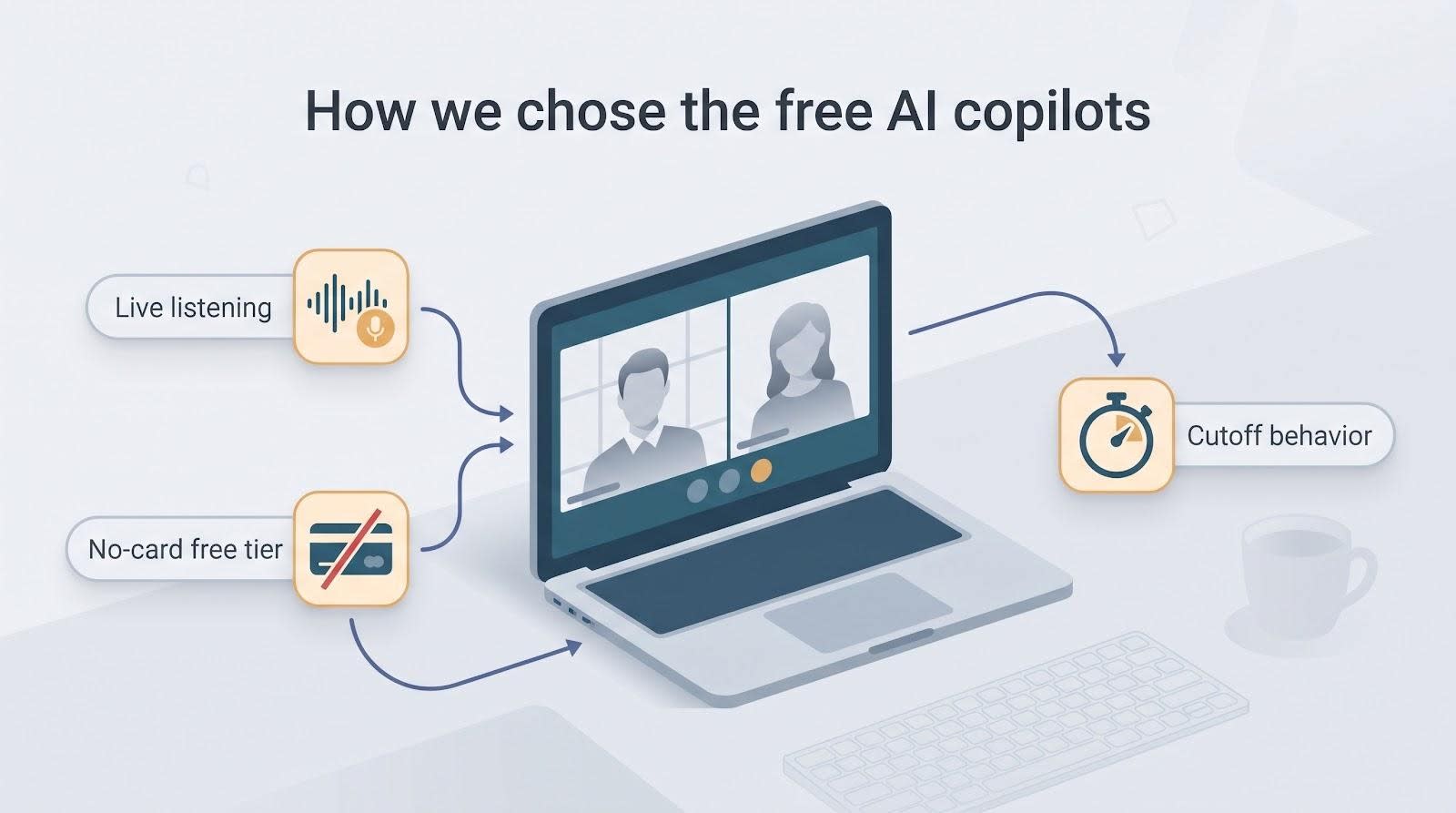
How we chose the free AI copilots
To compare these tools on facts, not hype, we applied three checks:
- Live listening only. Each tool had to hear a real voice on a call and surface guidance while the question was still in the air. Prep-only flash-card apps were out.
- Truly free access. The product needed at least one live session with no credit-card form. Trials hidden behind promo codes or expired coupons were out.
- Cutoff behavior. We noted what each vendor says happens when the free allowance runs out.
These three checks set the playing field for the picks that follow.
Paid benchmark: when free isn’t enough
Free tiers show whether an assistant works on your hardware, but they stop short of a full 45- to 60-minute interview. If you want unlimited time, résumé-aware prompts, and an overlay that stays outside shared windows, you will need a paid plan.
As a reference point (not part of the ranking), consider Interview Copilot (interviewcopilot.ai, a real-time interview assistant): its desktop app for macOS and Windows (Windows 10 version 2004 or newer) works with Zoom, Google Meet, Microsoft Teams, and Webex. It requires an internet connection, and no bot joins the call. The app hears system audio, detects questions, and shows answer guidance from the user's résumé and job description in an on-screen overlay. Glance mode provides short speaking points, and a shortcut lets you send a coding task, diagram, document, or job post for analysis, where coding help explains approach, complexity, and trade-offs. The company says answers start in under a second.
Every paid plan is flat-rate at $49 per month or $149 per year. Both tiers include all features. There are no credits or session limits. The app is free to download and test, but a live interview requires a subscription. You can cancel renewal any time. There is no free trial for live interviews.
According to the company, the overlay does not appear in screen shares, recordings, or screenshots, whether you share a window or an entire monitor, and it is marketed as “undetectable in any meeting.” There is no Dock or taskbar icon. The company notes that protection does not cover every managed device or proctoring system. For privacy, it says interview audio is streamed for transcription, not stored; final transcript segments and analyzed screenshots are stored with the account; interview data is not used to train public models; and personal data is not sold.
Keep this benchmark in mind as we move to the six no-cost options that follow.
1 Use your phone and ChatGPT Voice
Setup in 30 seconds
- Position the phone beside your webcam so its mic hears both sides of the call.
- Paste your résumé and the job description into the chat.
- Tell ChatGPT to wait until you finish speaking before it responds.
What works
- Zero screen-share risk: the phone sits outside your desktop capture.
- No credit card: Voice runs on the same free quota that powers text chat.
Where it breaks down
- Unpublished limit. Free users get a limited voice allowance, and ChatGPT tells you only when you hit it.
- Several speakers. Panel interviews with more than one voice can confuse it and trigger false starts.
- Body-language giveaway. Looking down to read the screen and tiny audio leaks can alert the interviewer.
Verdict
Use the phone workaround for mock interviews, language practice, or short recruiter screens where outside aids are allowed. For multi-speaker panels or any situation that demands steady eye contact, a desktop overlay that hides on the same screen will feel safer.
2 Hedy: five free hours a month
Why it feels like coaching, not scripting
The desktop app turns speech into text on your machine, then surfaces short cues (“anchor to STAR,” “cite a metric”) when the algorithm thinks you need them, so the overlay stays clear instead of flooding you with paragraphs.
Platform reach and privacy
- One account covers iPhone, Android, Mac, Windows, the web, and Apple Watch.
- Hedy lists Local AI Processing on every plan, including Free, and describes a privacy-first design with on-device processing.
Trade-offs to know
- The interface defaults to “meetings” and “lectures,” so you must toggle Job-Interview mode and load your résumé each time.
- Prompts stop after 30 minutes, which can hurt in a 60-minute panel.
- Hedy does not market a stealth overlay; share only a single window or a second screen if you must present slides.
Verdict
Choose Hedy for extended behavioural practice or language-confidence work when you prefer gentle nudges over full scripts, and plan breaks so your key answers land inside that 30-minute suggestion window.
3 Acedly: 15 free minutes
How a session works
Install the macOS or Windows desktop app, upload your résumé and the job description, then start a session. Acedly captures system audio, transcribes the question in real time (30+ languages), and shows talking points grounded in your résumé and the role.
Strengths
- No credit card needed for the Free plan
- Works with Zoom, Google Meet, Microsoft Teams, and Webex through system audio
Caveats
- Fifteen minutes will not cover a 45-minute behavioural deep dive
- The pricing page lists 15 free minutes and no reset schedule, so plan to use them on one test
Best use
Turn to Acedly for a last-minute refresher or a quick test to see if an AI overlay fits your workflow. Keep an eye on the clock, because the free allowance is short.
4 Verve AI: stealth mode on the free plan
How the overlay behaves
Before a real interview, run a private test call and check both a window share and a full-screen share, and match the setup to your employer’s conferencing rules. The company warns that managed laptops or proctoring tools may still detect running processes.
Feature set
- Live transcription in 55+ languages with AI-generated responses
- Screen drag to capture any part of your screen for analysis
- A personal view visible only to you, plus a transparent window and camouflage mode in the desktop app
Free-tier ceiling
The free plan gives three copilot sessions a month of 15 minutes each, with no credit card required. Once you hit the three-session cap, you must upgrade or wait for next month’s reset.
Best use
Start Verve when you need to audit Stealth Mode on your own hardware before deciding whether a paid suite is worth it. Keep an eye on the clock and avoid full-screen shares during the test.
5 hintio: three 15-minute interviews a month, no credits
How it works
The app listens to the call audio and reads your screen, then shows answers in an overlay. Ctrl+Enter takes a screenshot and gives the next answer, and Ctrl+Backslash hides or shows the overlay, useful when you need a clean screenshot or when the interviewer requests control.
Stealth check
Test a window share and a full-screen share in a private call first. Keeping hintio on a second monitor or sharing a single window is the safer setup.
What we do not know yet
hintio’s FAQ says data goes to its servers in Cloud mode and stays on your machine only with your own API key or local AI, and the free plan includes Cloud AI mode only. The homepage does not say how long transcripts are kept. If you handle proprietary designs or regulated PII, read the policy, or test in a mock call, before trusting it in a final round.
Nice touches
- The free plan includes all six profiles (such as Interview, Sales, and Negotiations), so you do not rebuild prompts for each use.
- A quick voice test at setup helps it tell who is speaking and ignore background noise; full voice calibration is listed on the Pro plan.
Verdict
Pick hintio when you need a straightforward, free 15-minute buffer with a hide shortcut. If your interview runs longer, or your employer requires full-screen sharing, keep a backup plan ready.
6 LockedIn AI: 60 free minutes, five at a time
How that cadence feels
Picture interval training. You answer two questions, the overlay vanishes for a minute, and the interviewer wonders why you froze. Great for rapid-fire whiteboard prompts; painful for a 45-minute behavioural deep dive.
What you get
- Modes for live, mock, and coding interviews, online assessments, phone interviews, and professional meetings.
- Upload your résumé and the job description so the AI can personalize its suggestions.
What you miss
- Stealth mode is pay-walled; in the free tier the desktop window shows if you share your full screen.
- Blocks cannot run back to back. Once five minutes end, you wait out the cooldown.
Best use
Treat LockedIn as a generous sandbox for repeated short bursts such as opening pitches, STAR nuggets, or edge-case brainstorming. For any interview that runs longer than five minutes at a stretch, bring a backup or upgrade first.
What a free tier covers
Every product above offers a no-cost plan, but those plans fall into two groups:
- Time-boxed demos
- LockedIn: twelve five-minute blocks per day (60 minutes total) with a 60-second pause between blocks.
- Verve and hintio: three 15-minute sessions per month.
- Acedly: 15 free minutes on the Free plan.
- Recurring allowances
- Hedy: five hours of transcription each month, though proactive prompts end after the first 30 minutes of any session.
Why reset rules matter
A monthly pool (Verve, hintio) forces you to treat each session like premium fuel. LockedIn resets at midnight, yet its forced cooldown prevents a continuous interview.
Takeaway
Treat free tiers as compatibility tests. Route your audio, measure latency, and confirm the overlay stays off a shared window. For a 45-minute interview, plan for a paid upgrade or rely on the preparation you did before the call.
Can interviewers tell you’re using AI help?
A tight overlay can hide during a normal Zoom or Meet window share, but two factors can still expose you:
- Technical fingerprints
- A full-screen share or “Share entire desktop” shows any extra window.
- Corporate laptops may run agents that flag unknown processes or record the full screen (for example, CodeSignal Interview Proctor or CoderPad Screen).
- Some assessment suites block screen-overlay APIs altogether or log active-window changes for later review.
- Human tells Long pauses, a burst of flawless jargon, or eyes darting to a second monitor can alert hiring managers even when software does not.
Treat a copilot as an augmenter, not a puppeteer. Use short bullets to jog memory, then answer in your own words. If the company forbids outside aids, close the overlay and rely on preparation; no job offer is worth a credibility hit.
Is using an AI copilot cheating or smart preparation?
Legally, the question centers on recording and disclosure, not the AI itself.
- Recording laws. In 38 U.S. states and Washington, DC, only one party must consent to record a call; in the rest, every participant must agree. An assistant that stores audio counts as a recorder, so confirm your local rule before you click Accept.
- Company policy. Many assessment platforms forbid outside help, while others allow note-taking tools if you disclose them first. A brief heads-up such as “I use live captioning software for clarity; is that okay?” often resolves the issue.
Ethics in three colours
Green: mock interviews, post-call analysis, language practice
Yellow: live prompts you disclose (accessibility aids, approved coaching)
Red: covert answers presented as spontaneous thought, especially in roles that demand real-time problem solving
Use a copilot to surface experiences you already own, not to invent skills you lack. That keeps the tool a confidence booster, not a credibility risk.
Frequently asked questions
How much ChatGPT Voice time do free users get?
OpenAI does not publish a figure. Voice works until you reach the free allowance, and ChatGPT tells you when you do.
Will these tools run inside CoderPad or HackerRank?
Transcription usually works, but many assessment platforms record the entire screen or block unknown overlays. Run a private mock on the exact platform before relying on a copilot.
Can AI prompts count as an accessibility aid?
Yes; candidates with language, hearing, or processing barriers often disclose live captioning or prompt tools as a reasonable accommodation. Always confirm with the recruiter first.
Does Zoom detect an AI assistant automatically?
Zoom does not scan for extra windows. Detection happens when you share the wrong portion of your screen or your gaze drifts toward a second monitor.
Can the copilot answer follow-up questions for me?
Generated bullets help frame a reply, but depth and credibility depend on your own experience. Use prompts as cues, then speak in your own words.
Comments
Loading comments…