7 Best Options When Choosing a Resume Builder for Computer Science Students
Writing code is hard, but talking about yourself can feel harder. Nearly seventy-five percent of student resumes disappear inside applicant-tracking software before a human ever sees them, according to Jobscan’s 2023 ATS study. We want yours to survive.
The fix isn’t wrestling with Word margins. You need a builder that exports an ATS-clean PDF, highlights projects and GitHub links, and keeps your ramen budget intact. We tested every major option and narrowed the field to seven stand-outs that respect a CS student’s needs.
Grab your coffee. Let’s build a resume that ships as cleanly as your last pull request—and actually reaches a recruiter’s inbox.
How we picked the winners
We ignored flashy marketing copy and auto-generated “top ten” lists. Instead, every tool faced the same stress test you tackle each recruiting season.
First, we reviewed 20 industry roundups, scrolled countless Reddit threads, and opened accounts on each platform. That work exposed the issues CS students mention most: hidden fees, rigid templates, and resumes that disappear inside screening software.
Next, we built a scoring rubric. Six factors carried the most weight:
- Template quality and flexibility
- ATS compatibility (single-column PDFs that parse cleanly)
- Student-friendly pricing
- Ease of use when deadlines loom
- Tech-specific extras such as GitHub links or AI bullet helpers
- Reputation within the developer community
Any platform that forced photos, multi-column layouts, or data-harvesting sign-ups failed the ATS test immediately. We followed the same single-column, no-photo rule baked into its OpenResume best-practice template.
The seven services left standing are the ones we would hand to a friend hours before a career-fair sprint.
1. Novorésumé: best overall for computer science students
Novorésumé feels like a senior engineer who cares about typography.
Open the editor and you start with clean, single-column templates that already follow ATS rules, so no tinkering is required. Drop in your contact info, slide a Projects block under Education, and your side-hustle API or robotics capstone sits exactly where a tech recruiter expects proof of skill.
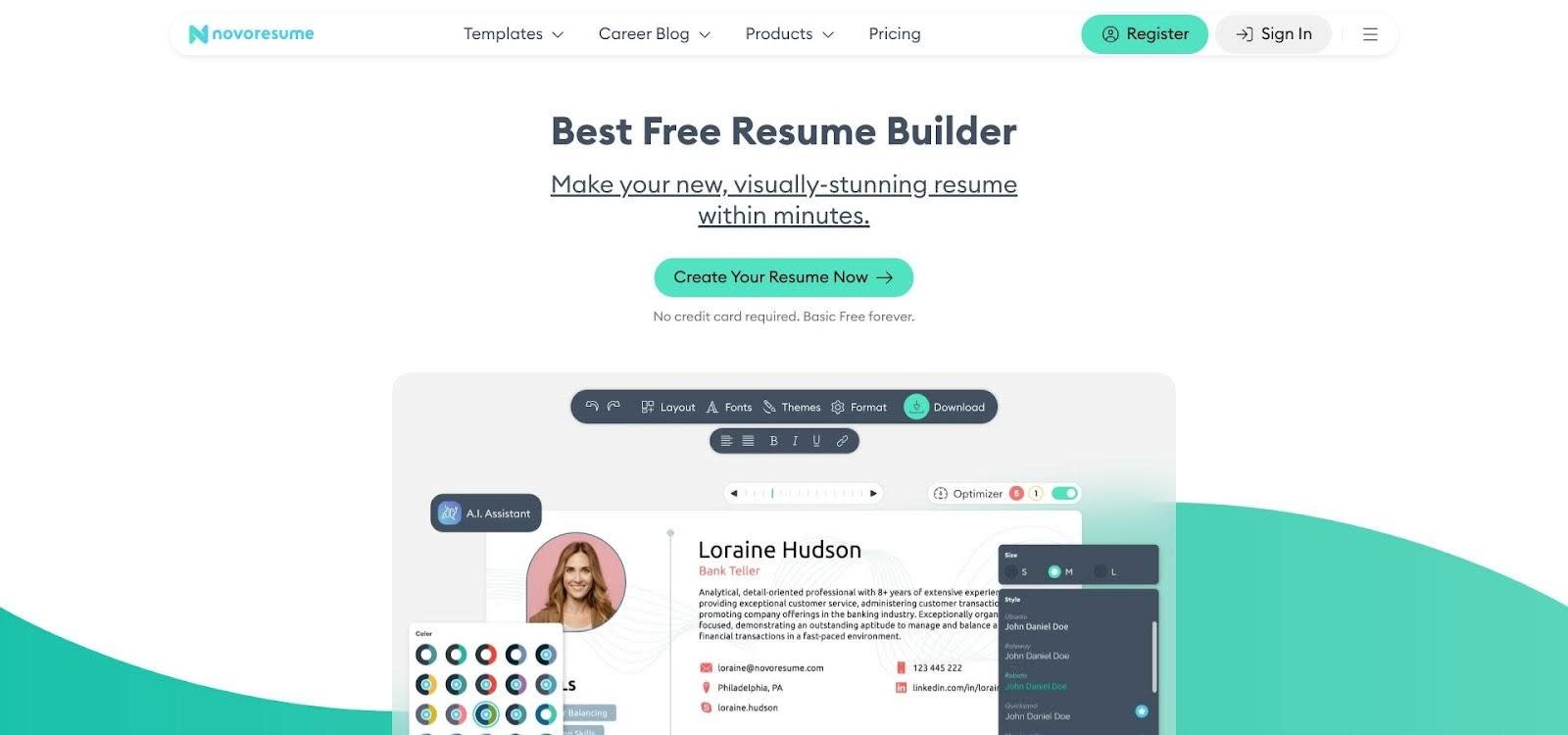
Novorésumé resume builder interface for computer science students
As you type, smart hints appear in the margin. They flag soft verbs, prompt you to quantify impact, and remind you to add a programming language when you reference a project. The guidance is subtle, keeping the résumé sharp without turning into Clippy 2.0.
Cost stays simple. One polished page exports free, ideal for internship hunting. Need two pages for research or published papers? A month of Premium costs less than a campus food delivery and opens extra layouts plus a matching cover-letter builder, and the Novorésumé career blog curates 60+ samples—including computer-science variants—to show exactly what a good cover letter looks like before you hit Send.
The result is a PDF that looks thoughtfully designed yet completely professional. We place Novorésumé first because it balances polish, guidance, and reliable formatting better than any other tool in this review.
2. Enhancv: best for creative templates and extra coaching
Enhancv now packs a free AI Resume Builder that scans a job ad, injects the right keywords, and scores your draft for ATS fit. That extra horsepower makes it your pick when a black-and-white résumé feels like last season’s hoodie at demo day.
Open the editor and drag, drop, and rearrange every block. Want Projects above Experience? Done. Need a quick graph that shows languages used across internships? One click. The builder lets you tell a story rather than just list jobs.
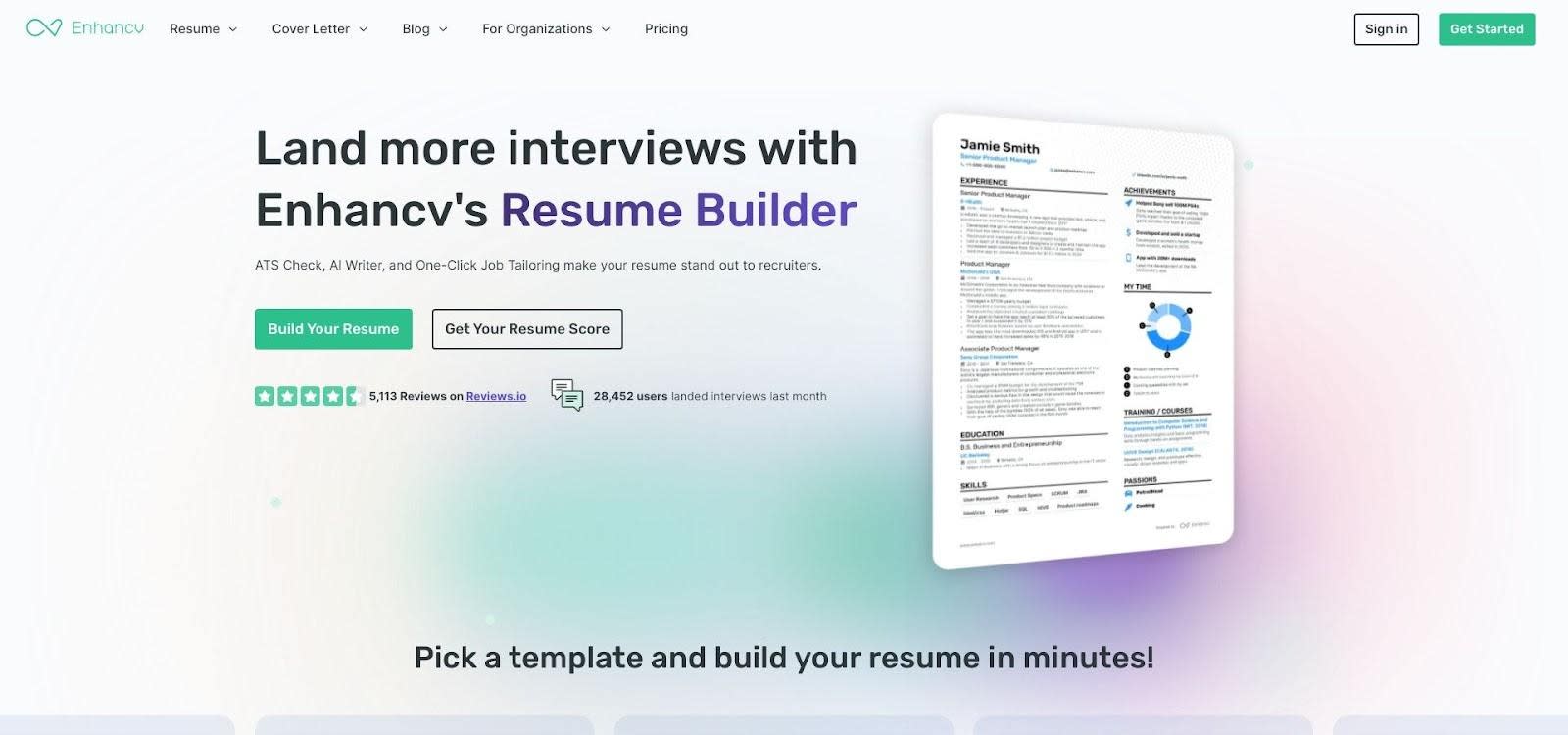
Enhancv creative resume builder with drag-and-drop layout
A built-in content analyzer keeps things grounded. It scans each bullet, flags passive verbs, and suggests stronger metrics. You get flair with substance, not a splash of color hiding weak copy.
Templates span muted professional to bold palettes that stand out at a career fair. When you apply online, switch to the single-column “classic” layout, then swap back to the eye-catching version for printed networking copies.
Plan ahead and pricing stays friendly. A seven-day trial lets you build, adjust, and download everything for free. After that, a one-month subscription costs less than a textbook and gives you unlimited versions and cover letters.
3. Kickresume: best value when you have a .edu email
Kickresume’s premise is simple: let AI handle the grunt work so you can return to coding.
Paste a bare-bones job description and its GPT-powered writer suggests sharper bullets in seconds. Swap templates on the fly—flashy for a portfolio site, minimal for a bank internship—and the content reflows perfectly.
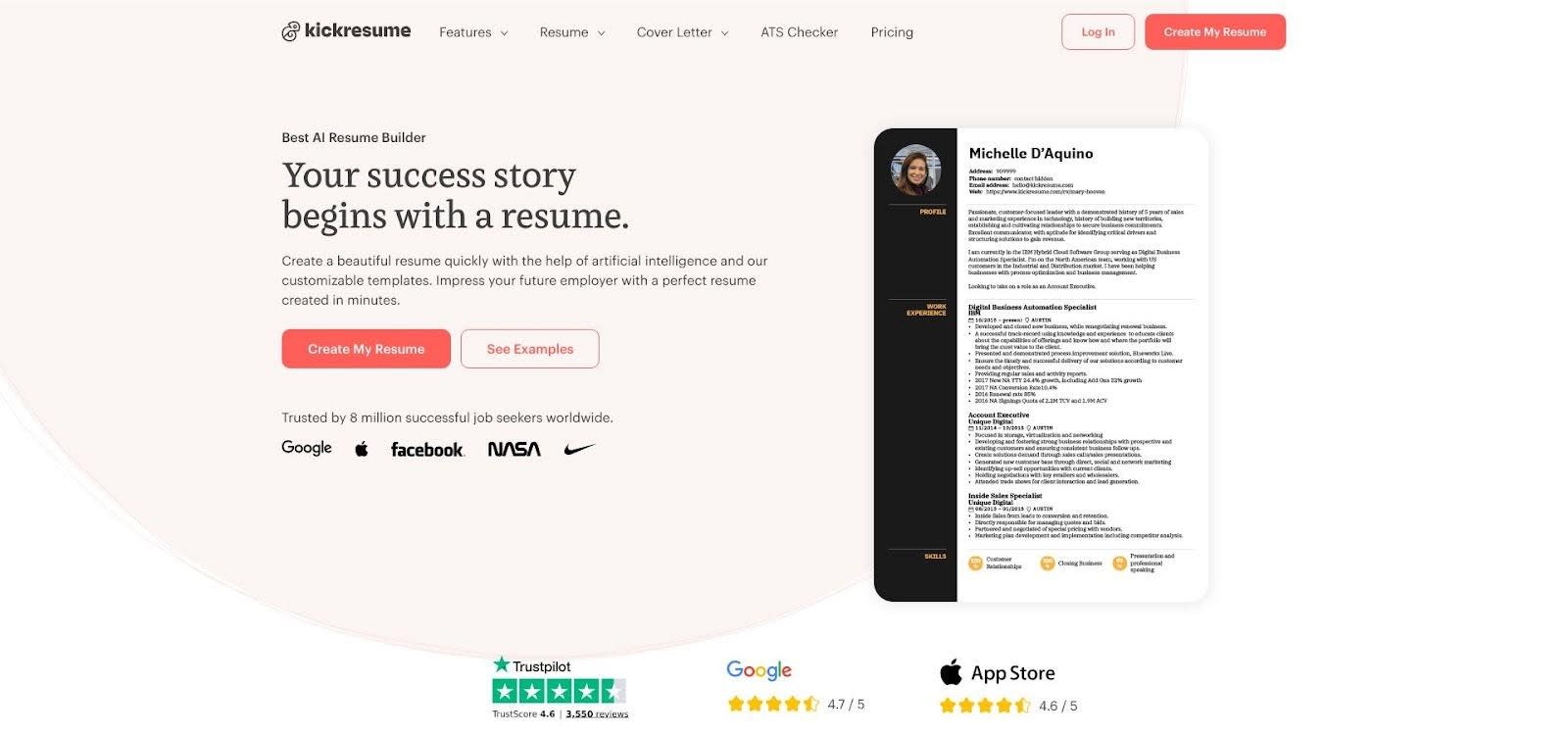
Kickresume AI-powered resume builder for students with .edu emails
The real headline is cost. Students with a verified campus email receive six months of full Premium at no charge. That means every template, cover-letter builder, and personal website generator is wide open during prime recruiting season.
Designs trend modern, sometimes colorful, but each template carries an ATS-friendly tag if you need a safer look. Tap the built-in “Resume Score” checker before downloading, and you know the PDF will clear scanners.
When the free window ends, staying subscribed still costs less than most streaming plans. Even the forever-free tier keeps four clean templates and unlimited edits, so no one faces a blank screen.
4. Resume.com: best completely free solution
Sometimes you just need a solid résumé tonight, with no wallet and no signup hoops. That is exactly what Resume.com provides.
Open the page and you are already building. Six plain templates keep the focus on text, so every character stays selectable by an ATS robot. We like the default single-column layout: name, links, education, experience, and skills. Nothing fancy, nothing to break.
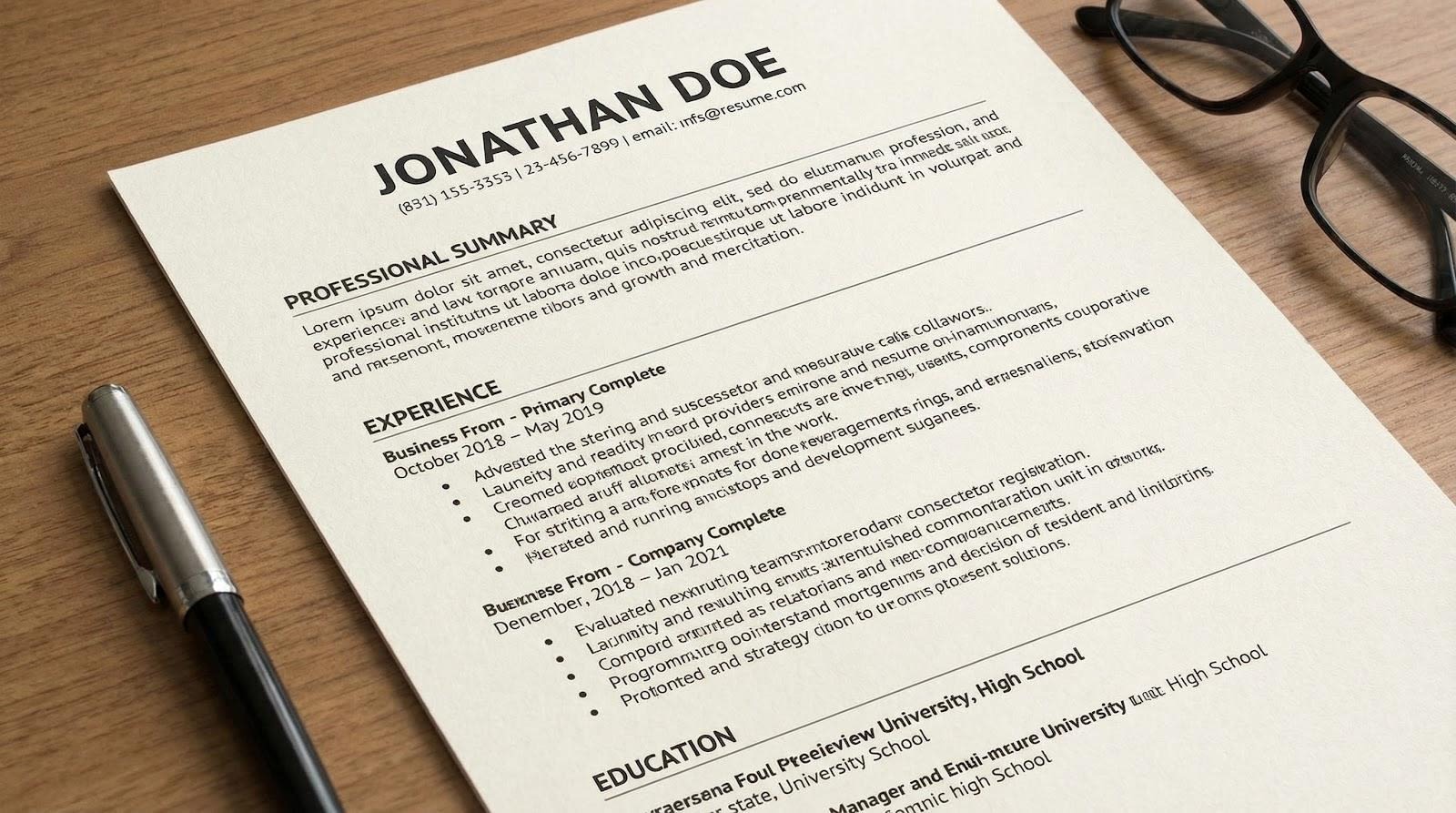
Resume.com simple text-first resume builder interface
Because the tool sits under the Indeed umbrella, saving an account links the PDF to your job-search profile. Skip the account and you can still download unlimited copies forever, watermark-free.
Guidance is light but helpful. Choose “Software Engineering Intern” and a side panel shows bullet examples you can adjust in seconds. If you need more sections—say, Hackathon Projects—rename “Volunteer” and you are set. Recruiters care about the story, not the heading label.
For zero dollars, Resume.com produces a clean, employer-safe document in under ten minutes. It may not win design awards, but it will survive every filter and reach a hiring manager’s screen.
5. FlowCV: best for privacy and quick edits
If you sigh each time a site demands another account, FlowCV is your antidote.
Load the page and you are already inside the editor. Everything you type lives in your browser’s local storage, not on someone else’s server. Close the tab, return tomorrow, and your résumé is still there with no passwords, no data harvesting, and no tracking.
Templates are lean and modern. Choose a single-column style, adjust an accent color, and your PDF is recruiter-ready. The live preview updates instantly, so errors never reach the final file.
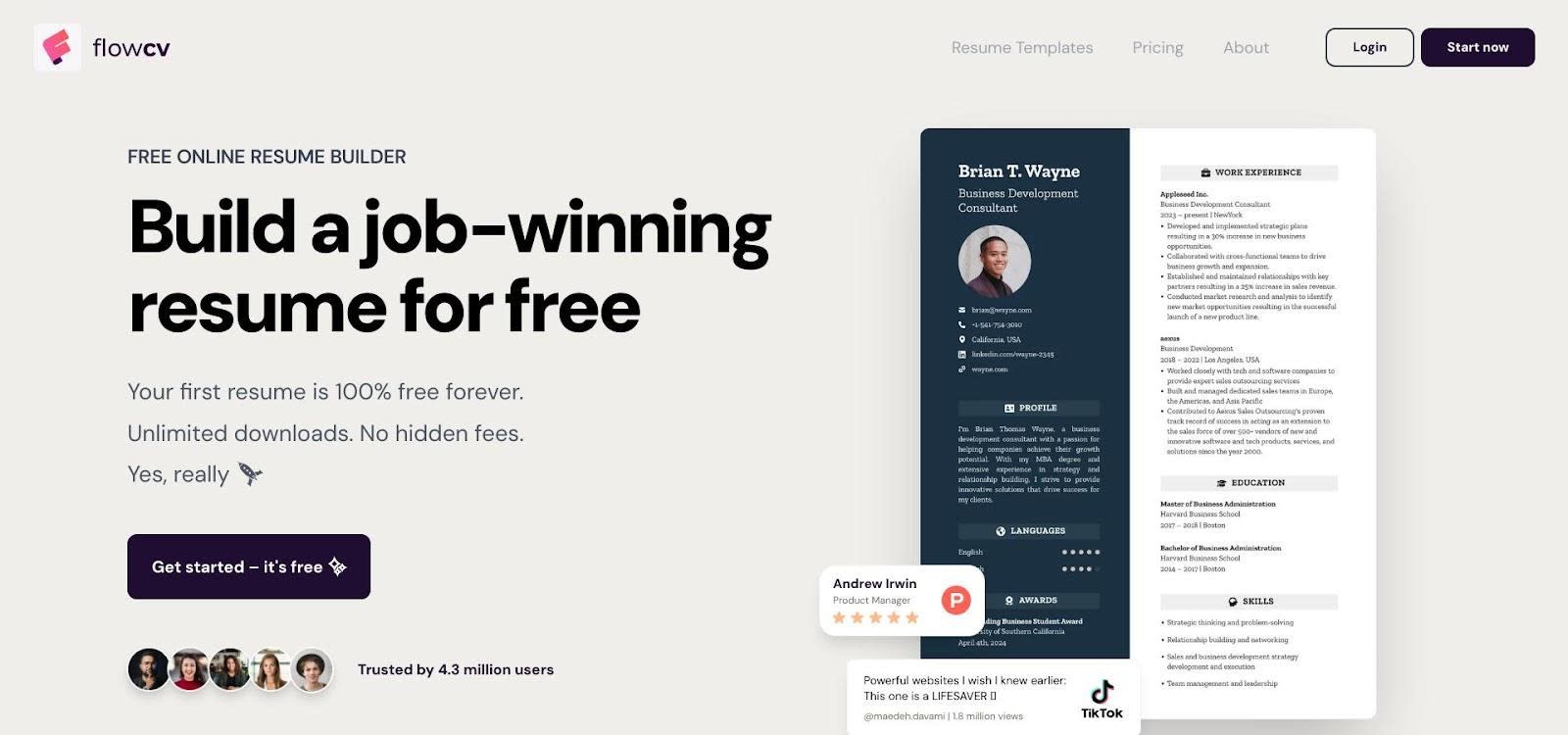
FlowCV privacy-focused resume editor with live preview
Need a custom version for each role? Export your data file, re-import, tweak a few bullets, and ship. The process feels as lightweight as committing a quick Git change.
Core features remain free forever. A low-cost Pro plan adds extra layouts, while the baseline offers unlimited downloads without watermarks. For students who value speed, privacy, and control, FlowCV meets all three in one click.
6. OpenResume: best open-source, ATS-first builder
OpenResume reduces résumé writing to its clean, logical core.
Because the project is open source, every line of code that touches your data sits in public view, which builds instant trust for security-minded engineers. Load the web app and you will not find sign-ups or subscriptions, only a blank canvas that follows U.S. résumé best practice from the first click.
Templates stay intentionally strict: single column, no photos, and semantic headings that mirror what older applicant-tracking parsers expect. You cannot accidentally break the rules, so your PDF reads perfectly when a Fortune 500 recruiter drags it into their system.
A built-in parser goes further. Upload any résumé, whether you wrote it in LaTeX or imported it from another builder, and OpenResume shows exactly what the ATS will extract. If important skills drop, you see the gap before HR does.
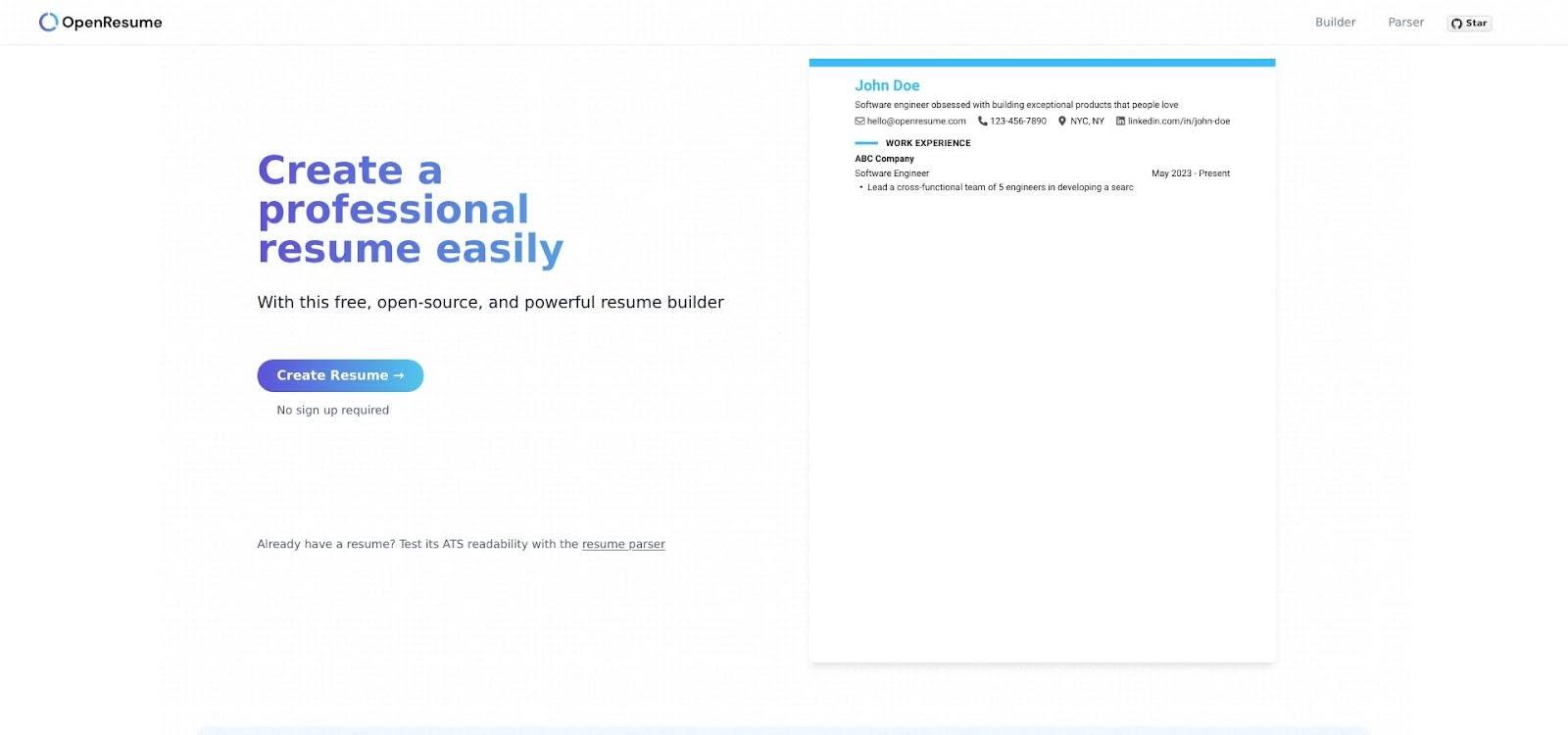
OpenResume open-source ATS-first resume builder and parser
Customization is minimal, which is the point. Visit when compliance outranks creativity, or when you want to fork the codebase and host a private builder on a school server.
For privacy purists and open-source fans, OpenResume offers peace of mind no closed platform can match.
7. Canva: best for unlimited design freedom
Canva is the wild card of this lineup. It treats a résumé like any other graphic project, giving you thousands of drag-and-drop templates and a toolkit of icons, gradients, and fonts.
That creative range feels freeing. You can match your personal brand colors, add a subtle coding-language logo, or place accomplishments beside tidy infographics. For career-fair printouts or roles where visual flair matters (think UX internships or product-design gigs), a well-chosen Canva design can grab instant attention.
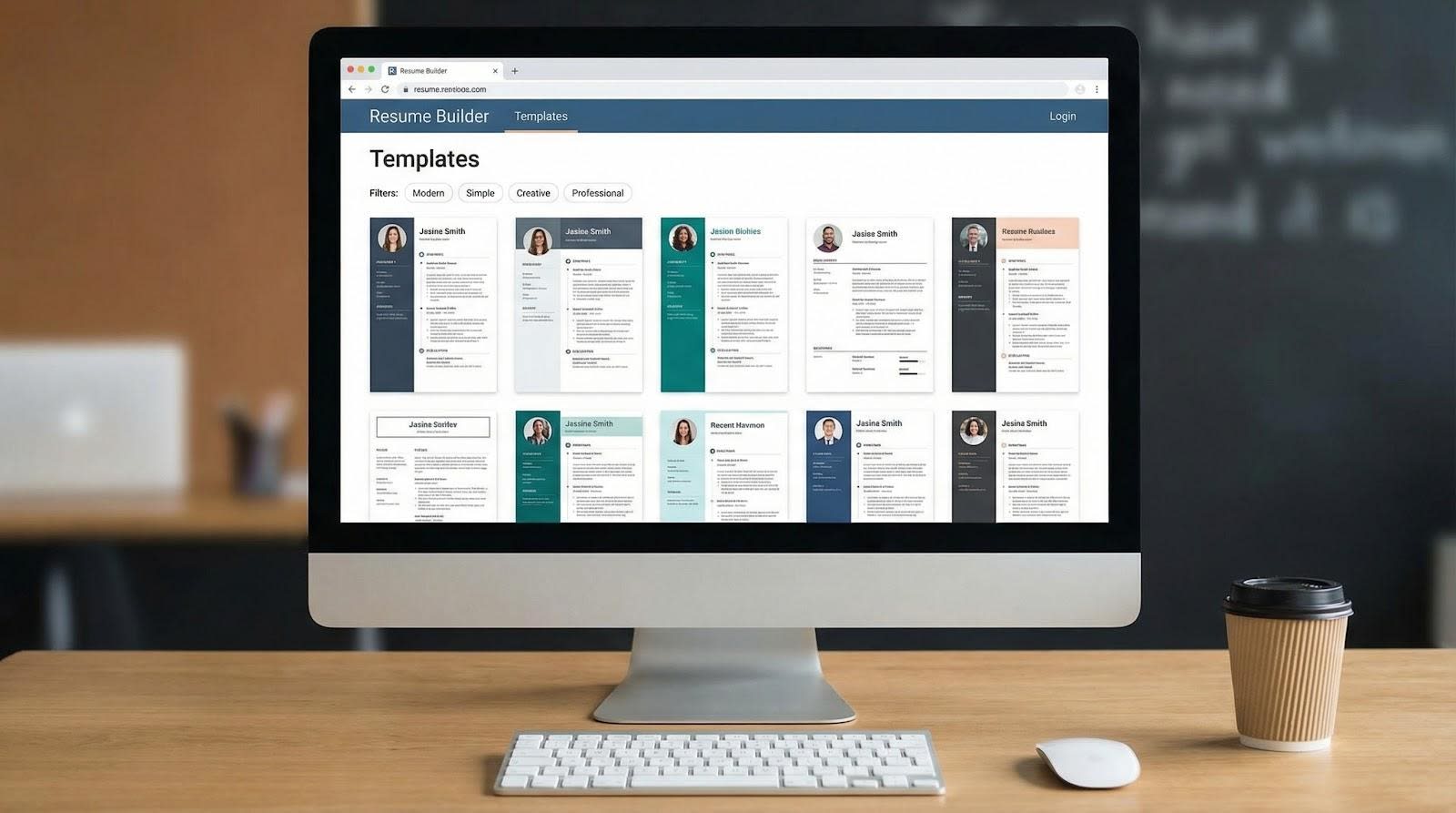
Canva resume design canvas showing a single-column tech resume
Power still requires restraint. Many templates rely on sidebars, text boxes, or decorative elements that confuse older applicant-tracking scanners. The workaround is simple: choose a single-column layout, keep graphics minimal, and run the finished PDF through an online parser before you click Apply.
The core plan is free forever. Real-time collaboration lets a mentor jump in, leave comments, and exit without version-control chaos. Because every element is movable, you can reuse the same design for a one-page résumé, a portfolio slide, or a social banner without starting from scratch.
When you need full creative control and are willing to sanity-check for ATS safety, Canva is the playground that never runs out of toys.
Compare them at a glance
If you need the TL;DR before you dive back into algorithms, use the grid below. Scan the perks, choose the platform that fits your priority, then start drafting before motivation fades.
| Builder | Free download | Student perk | AI help | ATS check | Best for |
|---|---|---|---|---|---|
| Novorésumé | One-page PDF | n/a | Beta assistant | Built-in tips | Polished, professional look |
| Enhancv | 7-day trial | n/a | Content analyzer | Template toggle | Creative tech resumes |
| Kickresume | Yes (4 templates) | 6-month Premium with .edu | GPT-powered writer | Score tool | Fast, AI-assisted drafting |
| Resume.com | Unlimited | Always free | Template snippets | By design | No-cost, plain formatting |
| FlowCV | Unlimited | n/a | n/a | Single-column layouts | Privacy-focused speed |
| OpenResume | Unlimited | Open source | n/a | Parser plus strict template | Compliance perfectionists |
| Canva | Unlimited | n/a | Magic Write | Manual testing | Visual flair (use cautiously) |
Frequently asked questions
Should I bother with a builder if I already know LaTeX?
If LaTeX feels natural, keep it in your toolkit. Follow the same single-column, no-photo rules each builder enforces, and run the finished PDF through an online parser to confirm every heading parses cleanly. Builders trade control for speed, so choose whichever route lets you ship a sharp résumé before the deadline.
Are these templates truly ATS-friendly?
Yes, if you pick the right layout. Novorésumé, Resume.com, FlowCV, and OpenResume default to single-column designs that testing from Jobscan in 2023 shows pass older scanners without issue. Builders with more colorful templates, such as Kickresume, Enhancv, and Canva, label or toggle their safe versions. When in doubt, upload the PDF to an ATS checker and catch problems before a recruiter does.
What is the best free option for students?
Need free forever? Resume.com offers unlimited downloads and zero watermarks. Value privacy? FlowCV and OpenResume let you build offline and keep every feature open. Have a .edu address? Kickresume’s six-month Premium offer operates like a paid plan at no cost.
How can I make my CS projects stand out?
Add a dedicated Projects block right under Education or Experience. Lead each bullet with a result, for example, Reduced load time 40%, then list the tech stack. Most builders let you hyperlink to GitHub so recruiters can explore your code with one click.
Is paying for a premium plan worth it?
If you only need one clean page, free tiers handle the basics. Premium plans help when you want multiple versions, AI phrasing support, or matching cover letters quickly. Treat the subscription like any other tool: pay during key recruiting months, then cancel once you land the offer.
Conclusion
The right resume builder should save you time, respect ATS rules, and fit a student budget. Whether you prioritize open-source transparency, total design freedom, or quick AI-powered edits, one of these seven platforms will meet your needs and help you land that next interview.
Comments
Loading comments…