 Source: Unsplash
Your website deals with bots every single day, but contrary to popular belief, not all of them are bad.
Now, yes, there are many malicious bots that can overload servers, steal data, and commit click fraud, among other things, and it’s essential to guard your website against them. But there are also what we like to call neutral bots that are actually designed to help you: search engine crawlers, uptime monitors, price trackers, and accessibility tools fall into this “neutral” or even useful category. They follow rules, identify themselves, and don’t try to break your systems.
The real problem sits with bad bots: credential stuffers, scrapers, scalpers, and automation built to exploit logic gaps or drain resources. Those bots don’t knock. They blend in. So how do you differentiate between the two? With device fingerprinting. It gives you a way to spot patterns that traditional defenses often miss, and it can do that without adding friction for legitimate users.
What Is Device Fingerprinting, Really?
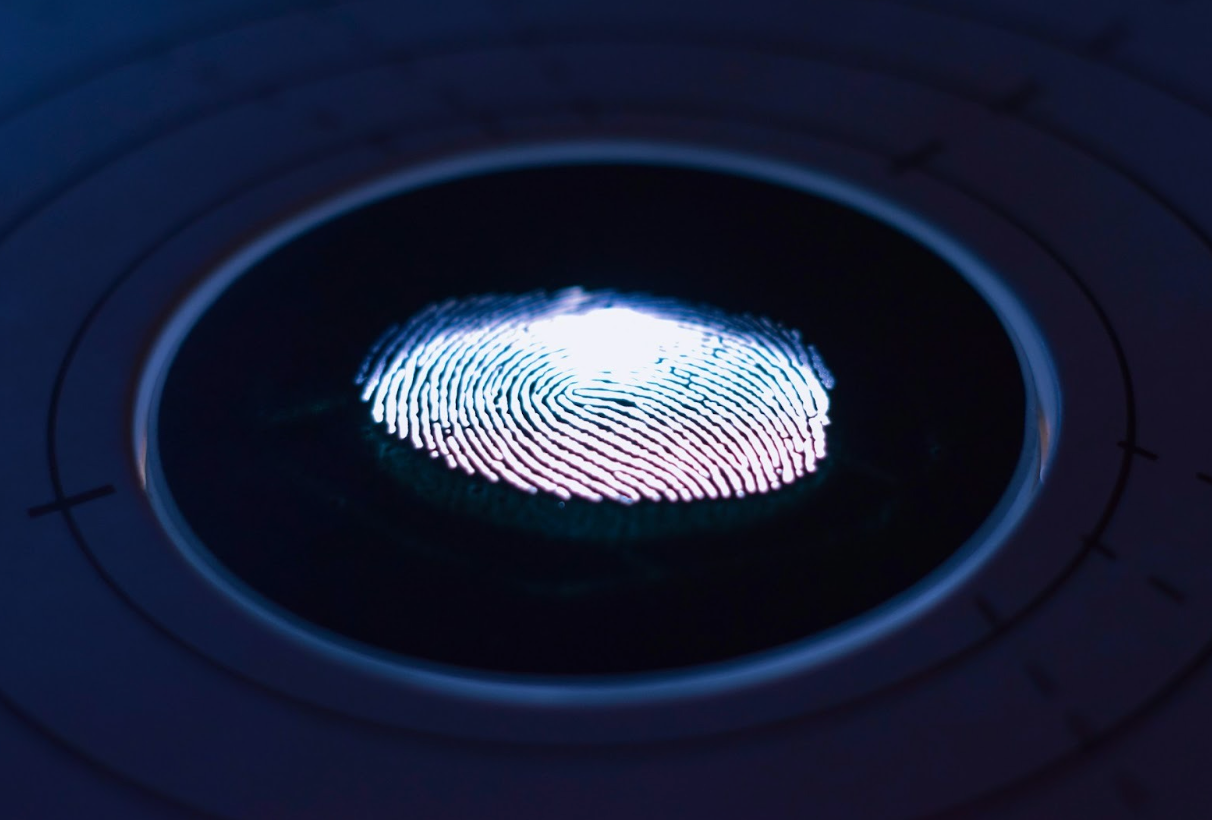
Device fingerprinting observes a combination of signals a device exposes while interacting with your site. So, browser version, OS, installed fonts, screen resolution, WebGL data, time zones, hardware concurrency, subtle rendering behaviors... the list is pretty long. Individually, those signals mean very little. Together, they form a probabilistic, unique identifier; a.k.a a fingerprint.
But its purpose is not to track individuals; it's simply to recognize a device’s behavior profile. It's important to understand the distinction, especially as privacy regulations tighten and third-party cookies continue their slow fade-out.
And no, fingerprinting isn’t new. Banks, ad tech platforms, and fraud teams have used variations of it for over a decade. What is new in 2026 is how refined, privacy-aware, and bot-focused these systems have become.
Why Fingerprinting Works So Well Against Bad Bots
Here's the thing about bad bots: they struggle with consistency. They rotate IPs, spoof user agents, and randomize headers. However, they still run on real hardware or emulated environments, and those environments do leak signals. Plenty of them, in fact.
A headless Chrome instance pretending to be a mobile Safari browser slips up eventually. So does a residential proxy farm cycling thousands of “unique” visitors that all share suspiciously similar GPU behavior.
Device fingerprinting is ideal for recognizing these gaps. It spots reuse where randomness claims uniqueness. It flags velocity anomalies. It correlates sessions that should look unrelated but don’t.
That’s why modern bot defense stacks lean on fingerprinting to identify malicious bot activity early, before rate limits trip or business logic takes damage. Providers like Fingerprint have leaned into this approach, combining large-scale device intelligence with bot detection tooling that works even when attackers rotate everything else. Bookmark their guide for practical bad bot detection and defense advice.
The Practical Benefits For Your Website
Fingerprinting earns its reputation because it solves problems other tools struggle with.
First, it reduces false positives, which is important. Why? Because CAPTCHA-heavy setups add friction to legitimate users while trying to detect bots. And if you want to increase traffic, boost conversions and keep repeat visitors, you know you should do everything in your power to reduce friction. This is why websites are moving away from CAPTCHA (that, and the fact it no longer reliably protects against increasingly sophisticated bots). Fingerprinting, on the other hand, lets you challenge selectively instead of universally.
Second, it operates quietly. No extra clicks. No puzzle fatigue. The signal collection happens in the background, which keeps conversion paths clean.
Third, fingerprinting also scales well. Whether you run a SaaS dashboard, an e-commerce checkout, or an API-heavy platform, fingerprint-based decisions work across surfaces without rewriting rules for each endpoint.
And fourth, it complements existing defenses rather than replacing them. WAFs, rate limiting, behavior analysis, and fingerprinting reinforce each other. Alone, each has blind spots, fingerprinting included. But together, they close ranks.
How to Use Device Fingerprinting Effectively in 2026
The biggest mistake teams make is treating fingerprinting as a blocklist generator. That mindset feels efficient but it usually backfires.
Start with risk scoring instead. Assign confidence levels to fingerprints based on stability, reuse, geography mismatches, and behavior history. Let low-risk traffic pass freely. Apply friction only when risk crosses meaningful thresholds.
So challenge suspicious devices with step-up authentication. Slow them down. Throttle specific actions (account creation, checkout, password reset) rather than entire sessions.
Next, connect fingerprints to outcomes. Did this device fail login attempts across five accounts? Did it scrape product pages at machine speed? Tie fingerprint intelligence to real events, not abstract suspicion.
Also, revisit your data retention policies. In 2026, compliance expectations are strict. Keep fingerprints as long as necessary for security purposes, not indefinitely “just in case.”
Fingerprinting vs. CAPTCHAs and Behavioral Detection
We painted CAPTCHAs in a pretty bad light, but they can still have their place. Still, there's no denying that solver farms and LLM-assisted automation keep eroding their effectiveness. Google itself reported years ago that advanced bots now beat many visual CAPTCHAs at rates exceeding 99%. That trend hasn’t reversed.
Behavioral detection helps, but it reacts after interaction begins. Fingerprinting gives you context before behavior escalates. That timing difference matters during credential stuffing waves or limited-inventory drops.
So, what's the smartest move? You can blend all three. Fingerprinting for early signal. Behavior analysis for confirmation. CAPTCHAs? Only when absolutely necessary.
And that’s the real takeaway. Bots won’t stop. So your defenses shouldn’t stand still either.
Comments
Loading comments…