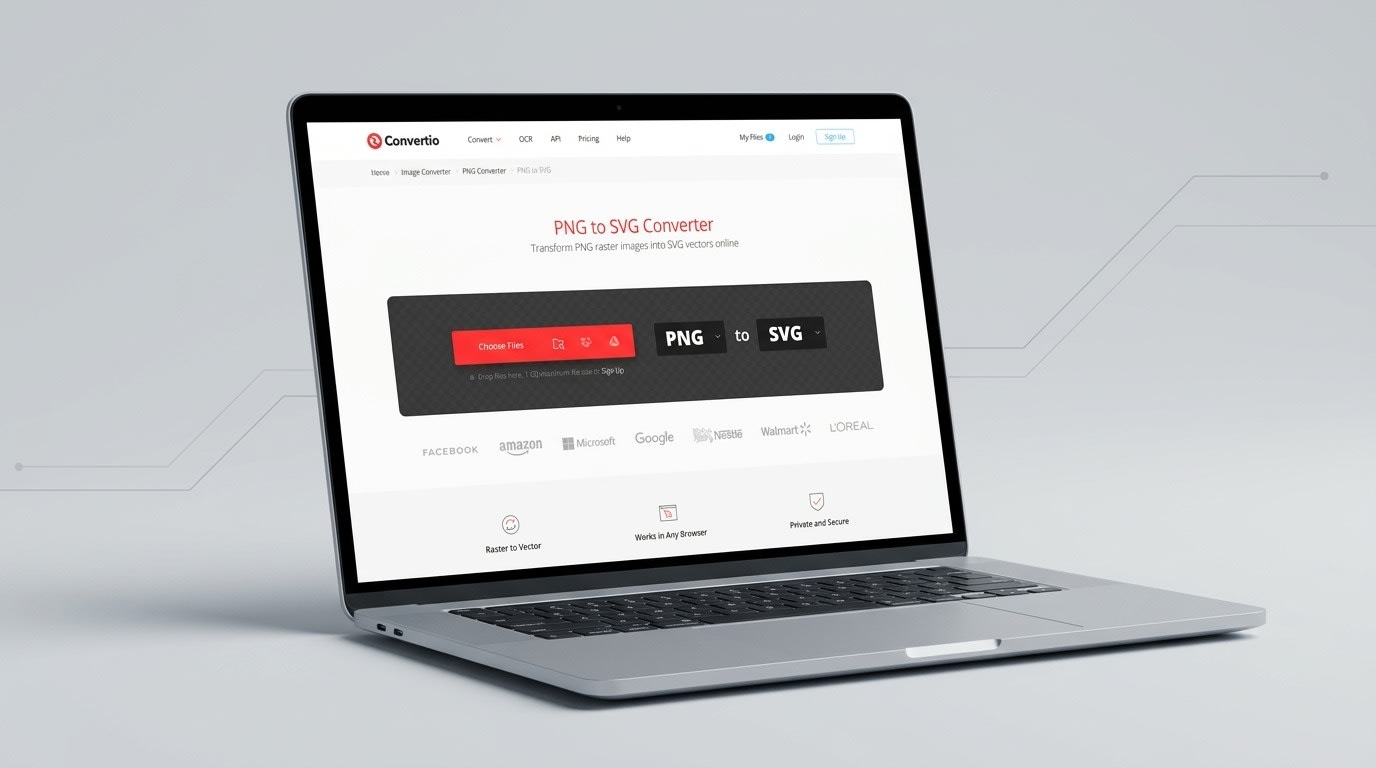
A designer might have the appropriate file type but still face challenges when working on projects that require a different file format. Although a logo designed using PNG will appear to be fine when it is to be used on a website, it can become challenging when it is required to scale for signs, editing, or other design processes. The png to svg converter from Convertio traces PNG raster files into editable SVG paths directly in the browser, so a logo keeps clean edges at any size.
However, the conversion process does not apply only to image files. Designers, marketers, developers, students, and even office workers receive files in file types that cannot work within the applications or platforms they are using. Convertio lets users convert files between more than 300 formats, from images and documents to audio and video, without installing any software.
Why File Formats Matter More Than They Seem
The file extension does not only indicate the type of a file but indicates how the data is saved and interpreted by various software programs.
PNG, for instance, is a format of a raster image. This format allows the saving of an image in the form of pixels and is quite convenient in case transparency and lossless image quality is needed. PNG is described by the World Wide Web Consortium as a lossless, portable format for storing raster images.
Unlike the PNG format, SVG uses another approach. SVG uses a different method. As stated by W3C, Scalable Vector Graphics is a language used for describing 2D graphics using XML.
This difference makes the same graphic more or less useful in one format or another.
PNG vs. SVG: When Does the Difference Matter?
PNG is still a very good option for various kinds of graphics, especially when it comes to screen shots, pictures, interface graphics, and any other images where the pixel information should remain accurate.
The scalability and editability of a vector image is especially important in cases where SVG can be used. In vector graphics, one does not rely on the pixel grid as an image can be resized without losing its quality.
Imagine a logo of a company that would have to appear in various places such as:
- Website header
- Mobile app
- Business card
- Presentation
- Printed sign
- Promotional materials
Using the right vector format will help you adapt the asset better.
What Happens When a PNG Becomes an SVG?
The translation of the raster graphic image to a vector format is not as simple as renaming the graphic image. The graphic image must be translated into vector elements.
This is why the quality of the original PNG file is significant. According to Convertio, their PNG to SVG trace algorithm will work well with graphics where there is clear differentiation in the edges and lines of graphics like logos, icons, and drawings whereas a photograph will make the SVG files complex and large.
To get the best conversion from a PNG file to SVG, start with an image which has the following characteristics:
- Clear shapes and lines
- Sharp contrast between key components
- Minimal clutter
- Clean design in the first place
- An object that makes sense to create in vector format
Too many details in the image may not be ideal when creating vector images.
A Simple Workflow for Everyday Conversion
Another benefit of web-based conversion is that the conversion procedure will not be complicated. According to Convertio, their basic process involves uploading the file, choosing the required format, and initiating the conversion. The files may be picked from the computer, Google Drive, Dropbox, or URL depending on the page of the conversion.
A workflow might involve the following steps:
1. Determining the purpose
Consider the reasons for converting this format to another one – do you need this to edit, print, display on the Internet, share something else?
2. Examining the source file
Ensure the source document has adequate quality and clarity for conversion.
3. Deciding on the output format
Use SVG format if the task requires scalable vector graphics, or pick another output format that suits the final goal better.
4. Examining the output file
Do not assume that any conversion will result in an equivalent visual structure of the document. Open the output and make sure that all details have been preserved.
5. Storing the source file
Conversion results are supposed to supplement the source file rather than serve as its replacement.
Conversion Is Also About Workflow Efficiency
For infrequent users, having to install specialized software just to convert one type of file would cause an added level of inconvenience.
According to Convertio, its file conversions happen in the cloud and do not take up the computing power of the computer's local memory in the same way that conversion programs on the desktop do. In addition, the site also offers advanced features in most conversions, based on the format used.
This would be helpful when there is a group that uses different formats of files during the course of the day. There is no need to keep different applications for each format because everything can be done through the browser.
Think Beyond the Extension
Good file management, in the end, revolves around matching a file to its purpose after its creation. A format that suits one particular purpose might not suit another.
Where graphic resources are involved, the choice might boil down to whether the process will require pixel images or vector illustrations. The choice for documents, sound files, videos, presentations, archival files and many other types of files varies.
Thus the best way to approach conversion involves asking one fundamental question. What is this file supposed to become and where will it be put to use?
With this question sorted out, the selection of the right format becomes an easy task. Conversion then becomes a more practical process than a technical one.
Conclusion
Conversion of files might appear to be a simple technical process, but the choice of the correct format can greatly influence the convenience of editing, sharing, presenting, and reusing digital files. With regard to graphics, being aware of the differences between formats like PNG and SVG can help one choose the format suitable for the task.
While converting files might be associated with various purposes, from editing images to converting documents, audio files, videos, or other files into the appropriate format, the basic idea is always the same – to obtain a file that works properly in the given environment. By taking into account the source file, the final output, and the way in which the file will be used after conversion, the process of conversion can become an important step in the process of working with digital files.
Comments
Loading comments…