The best SEO software in 2026, ranked by how each tool holds up across crawl, research, rank tracking, and API access. See the full technical breakdown.
Most best seo software roundups and vendor seo software reviews rank tools by feature count. That says little about whether it holds up against a real technical workflow: crawl a JavaScript-heavy site, pull keyword and competitor data, track positions and AI-answer visibility, then pipe the output into your own systems. The market is large enough that the differences matter — Grand View Research put the SEO software market at roughly $74.6B in 2024, projected to reach $154.6B by 2030. A tool that renders JavaScript but caps your API credits behaves very differently at 500,000 URLs than its feature grid suggests. This list ranks by workflow fit, not checkbox coverage.
For most technical teams, SE Ranking is the strongest starting point, because it spans crawl/audit, keyword research, rank and AI-search tracking in one platform, and ships an API plus MCP connector on every plan, so the data never stays trapped in a UI. The honest caveat: a dedicated desktop crawler goes deeper on log-file and JavaScript-rendering forensics, so most large-site audits still pair the two. The ranked list and comparison table below cover all eight, with entry prices and API access called out. SE Ranking's API and MCP documentation has the data-access specifics.
| Rank | Tool | Role in the stack | Entry price | JS rendering / crawl | API access |
|---|---|---|---|---|---|
| 1 | SE Ranking | Platform core: audit, research, rank + AI tracking, data pipeline | $129/mo (Core) | JS rendering included; 115-check audit | API + MCP on every plan |
| 2 | Ahrefs | Backlink-led research and competitive analysis | $129/mo (Lite) | JS rendering in Site Audit | API on higher tiers / credits |
| 3 | Semrush | Broad marketing suite with PPC and keyword overlap | $139/mo (SEO) | JS rendering in Site Audit | API on higher tiers / add-on |
| 4 | Moz Pro | Domain Authority tracking and link metrics | $99/mo (Standard) | Crawl audit; limited JS rendering | API on higher tiers |
| 5 | Screaming Frog | Desktop crawler for deep technical audits | Free to 500 URLs / £199/yr | JS rendering (headless Chrome) | No REST API (CLI + scheduling) |
| 6 | Sitebulb | Visual crawl auditing with prioritized hints | $18/mo (Lite) | JS rendering (headless Chrome) | Limited API (Cloud) |
| 7 | Serpstat | SERP and keyword research data source | $50/mo (Individual) | Crawl audit; basic rendering | API on higher tiers |
| 8 | Google Search Console | Google's first-party index and query data | Free | Google's own rendering (URL Inspection) | Free API (Search Console API) |
Step 1: Crawl and audit technical health
Any website seo software worth running starts where rendering breaks.
Takeaway: Run a rendered crawl first, not a source crawl. On JavaScript-heavy sites, source-only tools report markup that never reaches the DOM. Screaming Frog and Sitebulb run headless-Chrome crawls that go deepest on the desktop; SE Ranking's 115-check audit covers the same signals in-platform.
Step 2: Build the keyword and competitor picture
With technical health mapped, build the demand picture. This is where professional seo tools converge.
Takeaway: Treat keyword data as a pipeline input, not a one-off spreadsheet export. SE Ranking pulls volume, difficulty, intent, and CPC across 188 country databases, plus competitor SEO, PPC, and AI-search research. Reconcile a second source such as Serpstat before locking a target list.
Step 3: Track rankings and AI-answer visibility
Positions alone no longer describe visibility, which is what pushed ai seo software into tracking AI-answer surfaces. Search behavior is shifting: Gartner predicted in 2024 that traditional search volume would drop 25% by 2026, and Pew reports 49% of U.S. adults now use AI chatbots, up from 33%.
Takeaway: Track SERP positions and AI-answer citations in the same view — a page can hold position 3 in Google and still be absent from the AI Overview above it. SE Ranking covers Google, Bing, and YouTube alongside ChatGPT, Perplexity, Gemini, and AI Overviews in one dataset.
Step 4: Pipe the data into your own stack (API + MCP)
This is where software for seo earns its place in an engineering workflow.
Takeaway: Judge a platform by how its data leaves the UI. SE Ranking ships a Data API and an MCP connector on every plan, including Core, so rankings, audit results, and keyword data flow into your dashboards, a warehouse, or an AI assistant like Claude. Several tools here gate that access behind higher tiers or credit packs.
1. SE Ranking
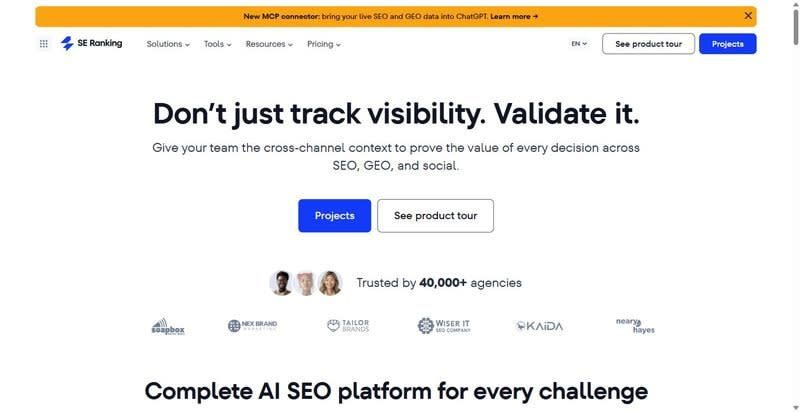
SE Ranking is an SEO and AI-search visibility platform built for technical SEO leads, agencies, and mid-market to enterprise teams that want one data source they can also query programmatically.
Best for: teams that run crawl, research, and rank tracking in the UI, then pull the same data out through an API or MCP.
Standout feature: The Website Audit runs 115+ checks with JavaScript rendering on, so client-side content and injected links get evaluated rather than skipped. Rank tracking and AI-search visibility (AI Overviews, AI Mode, ChatGPT, Gemini, Perplexity) sit in the same account, and every plan ships an API plus an MCP connector, with Core including 25,000 Data API credits per month.
Pros:
- Renders JavaScript during the audit, so SPA and lazy-loaded content are crawled, not missed
- Queries live data from Claude, ChatGPT, or Cursor through the MCP connector, no separate contract
- Reads across a 5.5-billion keyword database and 188 country databases for multi-market work
- Tracks Google positions and AI-answer presence from one dataset, so there's nothing to reconcile
Cons:
- The backlink index is deep but not the largest in the category; link-forensics-first teams may cross-check a specialist
- White-label reporting and extra client seats sit in the Agency Pack add-on, not the base plan
- Cross-channel correlation isn't automated in the UI — you assemble it through the API or an MCP query
Pricing: Core $129/mo ($103.20/mo billed annually); Growth $279/mo — API and MCP in every plan; 14-day trial, no card.
Bottom line: For a team that treats an SEO platform as a queryable data source rather than a dashboard, this is the one I'd wire in first: JS-rendered audits, combined rank and AI-search tracking, and endpoints on every tier. Accept a backlink index that isn't the deepest, and it covers the weekly workflow end to end.
2. Ahrefs
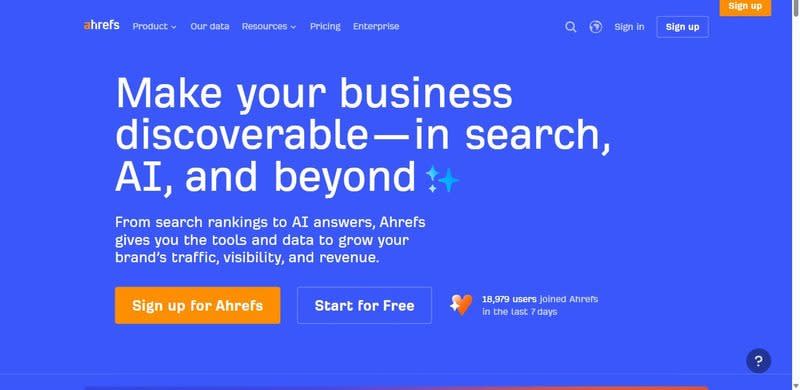
Ahrefs is a backlink and competitor-research tool built on one of the largest live link indexes.
Best for: link forensics and crawl-level competitor analysis on large domains.
Standout feature: On a domain with millions of referring URLs, you can trace referring domains, anchor distributions, and broken-link patterns without the dataset thinning out at scale.
Pros:
- Link index deep enough to survive audits on very large domains
- Crawler resolves competitor link and content gaps quickly at high URL counts
Cons:
- Base Lite plan is a single user; each extra seat is billed separately
- API and bulk data sit behind credits and higher tiers, and native AI-search tracking stays thin on the base plan
Pricing: Lite $129/mo (5 projects, 750 keywords, 1 user).
Bottom line: Renew it for link data on large sites, where index depth is the differentiator. The single seat and credit-metered API keep it a specialist, not the platform you query for everything.
3. Semrush
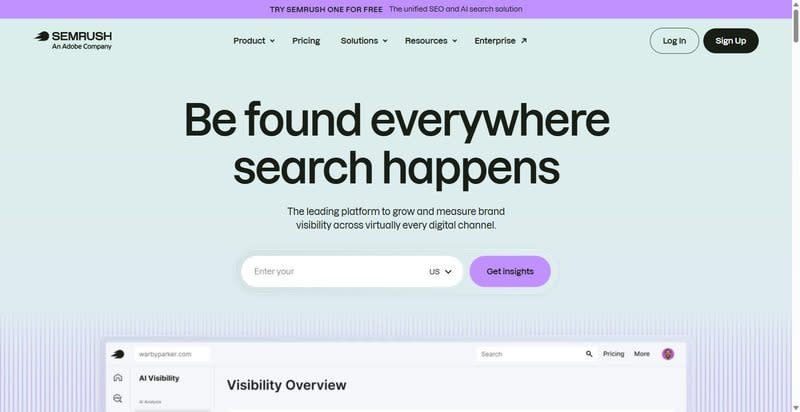
Semrush is the broadest toolkit in the category, spanning organic search, paid search, and content under one login.
Best for: teams that want the widest span of modules in one account and can absorb per-seat pricing.
Standout feature: Keyword research, position tracking, site audit, PPC data, and content tooling run in one account, so a team standardizing on a single vendor keeps most recurring jobs behind one login.
Pros:
- Spans more distinct jobs than most tools here
- Large keyword and domain datasets for research
Cons:
- Entry plan caps at 5 projects, 500 keywords, and 1 user, and costs scale steeply once you add seats
- API access and stronger AI-search tracking sit on higher tiers
Pricing: SEO plan $139/mo ($117.33/mo billed annually).
Bottom line: Worth it when breadth is the requirement and one team owns SEO, paid, and content together. Price the full seat count and API tier first; the per-seat curve makes the real cost higher than the sticker.
4. Moz Pro
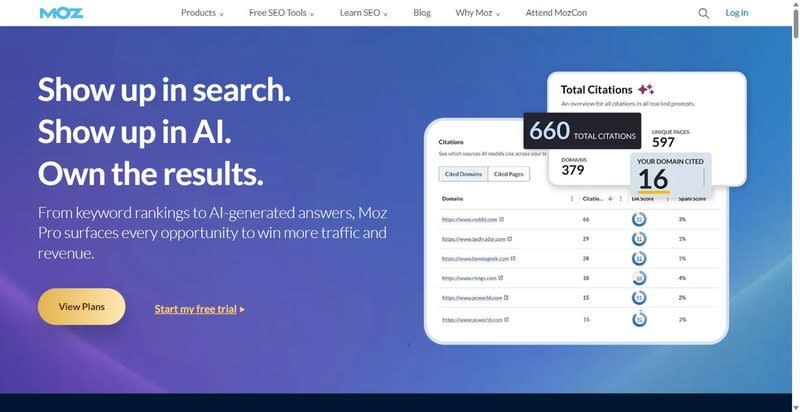
Moz Pro is a rank-tracking and reporting tool known for Domain Authority, a single 0-to-100 score non-specialists read at a glance.
Best for: teams reporting SEO progress to stakeholders who want a legible score more than raw index depth.
Standout feature: Domain Authority is the draw — one number a director parses without a walkthrough, provided everyone treats DA as a modeled proxy and not a ranking input. Moz Local adds multi-location listings.
Pros:
- Produces metrics stakeholders interpret without training
- Handles multi-location listings and citations through Moz Local
Cons:
- Domain Authority is a proprietary model, not a Google signal — directional only
- API and link data are metered separately, and the refresh cadence lags the faster platforms
Pricing: Standard $99/mo ($79/mo billed annually); Starter $49/mo single-site.
Bottom line: A clean reporting layer for stakeholder-facing metrics, not the engine you query for deep technical work. If your accounts need the deepest link data or a fast refresh cycle, you'll hit the ceiling.
5. Screaming Frog — the forensic desktop crawler
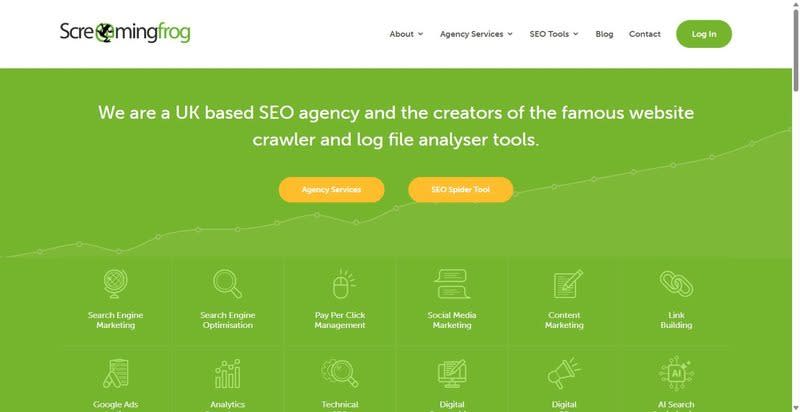
The desktop crawler most technical SEOs reach for first when response codes and render behavior need direct inspection.
Best for: forensic crawls of sites up to ~500K URLs.
Standout feature: Renders JavaScript with a headless Chromium, then diffs the rendered DOM against the raw HTML — the fastest way to see exactly what Googlebot fetches on a specific URL set.
Pros:
- Renders JS via headless Chromium and compares rendered against raw HTML
- Traces full redirect chains, flags loops, and buckets every URL by response code
- Extracts structured data and custom regex on each crawl
Cons:
- Single-machine crawl is memory-bound; large sites need RAM tuning or database storage mode
- No rank tracking or keyword research, and no API or scheduling in the base license
Pricing: Free to 500 URLs; £199 per user/year.
Bottom line: It stays in the stack as the forensic crawler, not the platform — reach for it when render and redirect behavior have to be inspected directly.
6. Sitebulb — the audit crawler that explains itself
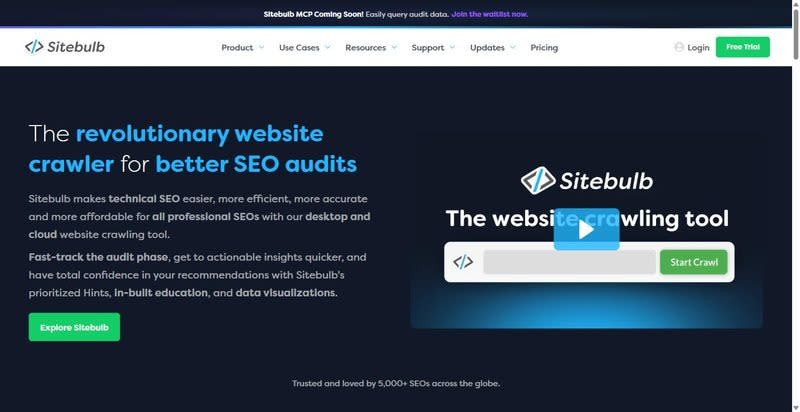
A crawler that ranks issues by impact and documents the mechanism behind each one, not a flat error list.
Best for: technical teams whose audit output has to brief a client engineering team.
Standout feature: Every flagged issue ships with a hint explaining why it matters and how to fix it, scored by priority. JavaScript rendering runs on all tiers, desktop included.
Pros:
- Renders JavaScript across every tier, desktop included
- Scores issues by priority with fix guidance attached, and exports shareable reports
Cons:
- Desktop-first; the Cloud tier is needed for scheduled or shared crawls
- Audit-only — no rank tracking or keyword research, and crawl caps constrain the low tiers
Pricing: Desktop Lite $18/mo; Pro $42/mo; Cloud from $125/mo.
Bottom line: Pick it over a bare crawler when the audit has to teach, not just log. The priority scoring saves triage time.
7. Serpstat — the consolidated all-rounder
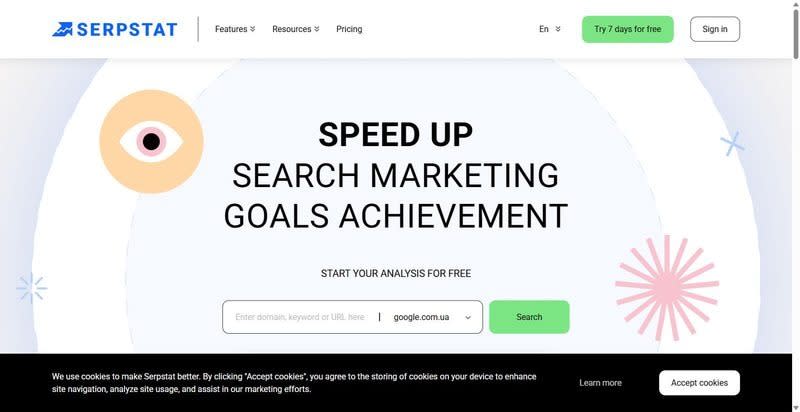
A single seo platform covering keyword research, rank tracking, and site audit in one subscription.
Best for: teams that want research, rank, and audit under one login.
Standout feature: The trade-off is index depth: its keyword and backlink databases trail the largest vendors, though it exposes an API on paid tiers for export.
Pros:
- Runs research, rank tracking, and audit from one login
- Covers competitor and keyword analysis in the same view
- Exposes an API on paid tiers for data export
Cons:
- Dense UI with a steep first-week learning curve
- Index depth trails the leaders on keyword and backlink volume
Pricing: Individual $50/mo.
Bottom line: A workable all-rounder when consolidation matters more than database size. If your reporting hinges on the deepest keyword index, verify coverage first.
8. Google Search Console — the ground-truth layer
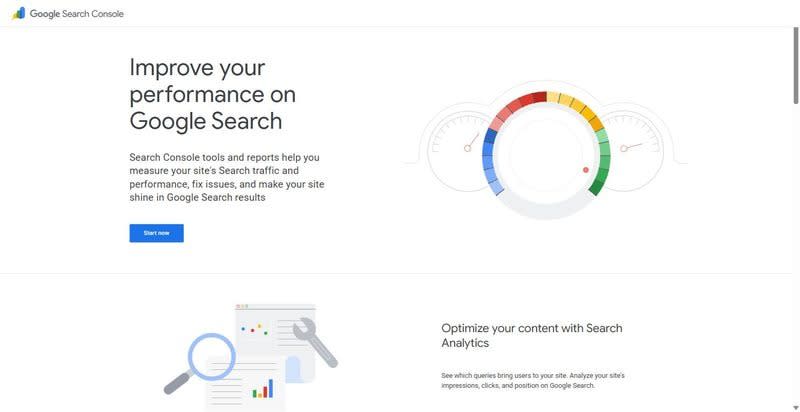
Google's own reporting on how its index sees your site — first-party data no third-party tool fully replicates.
Best for: every technical stack, as the first-party data source.
Standout feature: Reports impressions, clicks, average position, and index coverage straight from Google, plus URL Inspection for live rendered-HTML and canonical checks. The Search Analytics API is free.
Pros:
- Serves first-party Google data with no vendor interpretation layer
- Exposes index coverage, URL-level rendering diagnostics, and canonical status per URL
- Ships a free Search Analytics API
Cons:
- Google-only; no Bing, no competitor data
- Query data is sampled and capped at 1,000 rows in the UI, with no AI-search or LLM-citation visibility
Pricing: Free.
Bottom line: It's not optional. Every other tool here estimates what Search Console measures directly, so it anchors ground truth.
Assembling your own stack
The best seo software tools for a technical team assemble into a stack, not a single purchase. Treat SE Ranking as the platform core: crawl and 115+ checks, keyword and competitor research, and rank tracking across Google, Bing, and AI-answer surfaces, all piped out through an API and MCP connector on every plan. Bolt on a desktop crawler for forensic work — the render-diffing and redirect-chain tracing you run when a specific URL set misbehaves. Keep Search Console as ground truth. Then skip the second and third platforms that overlap the core; paying twice for the same keyword index adds cost, not signal.
Frequently asked questions
What is SEO software, and how is it different from a single SEO tool?
SEO software is an integrated platform: crawling, keyword and competitor research, rank tracking, backlink analysis, and data export run under one login against shared databases. A single SEO tool does one job — a crawler, a rank checker, a keyword lookup. The difference is continuity: a platform keeps crawl, research, and monitoring data joined instead of exported between apps.
What's the best SEO software for a technical SEO team?
The best seo software for a technical team comes down to four signals: JavaScript rendering in the crawler, site-audit depth, rank tracking that includes AI-answer surfaces, and a documented API or MCP connector for piping data out. A platform meeting all four handles the recurring week; add a desktop crawler for forensic render and redirect work at the URL level.
Is there any good free SEO software?
Yes, with limits. Google Search Console is free and reports first-party index, query, and coverage data, plus a free Search Analytics API. Screaming Frog crawls up to 500 URLs at no cost. Both are useful, but neither tracks competitors or AI-answer visibility, so they supplement a platform rather than replace one.
Comments
Loading comments…